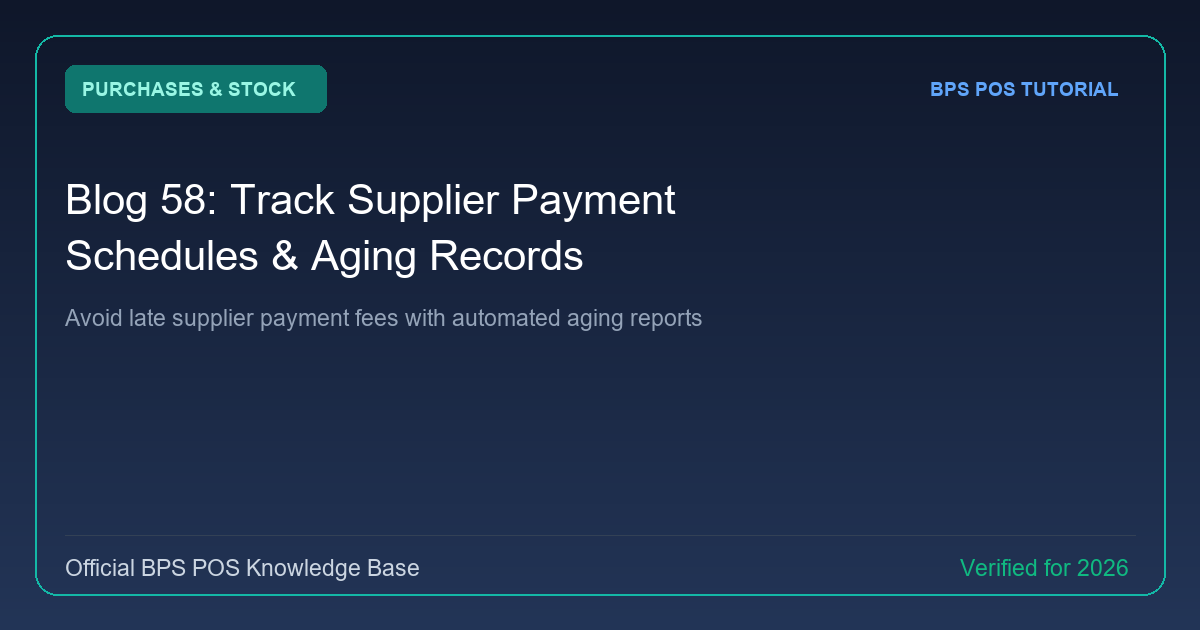
Failing to track payment deadlines damages vendor relationships and leads to supply freezes. BPS POS Payables Aging Report organizes vendor debt into aging tiers (0-30 days, 31-60 days, 60+ days) so you never miss a payment.
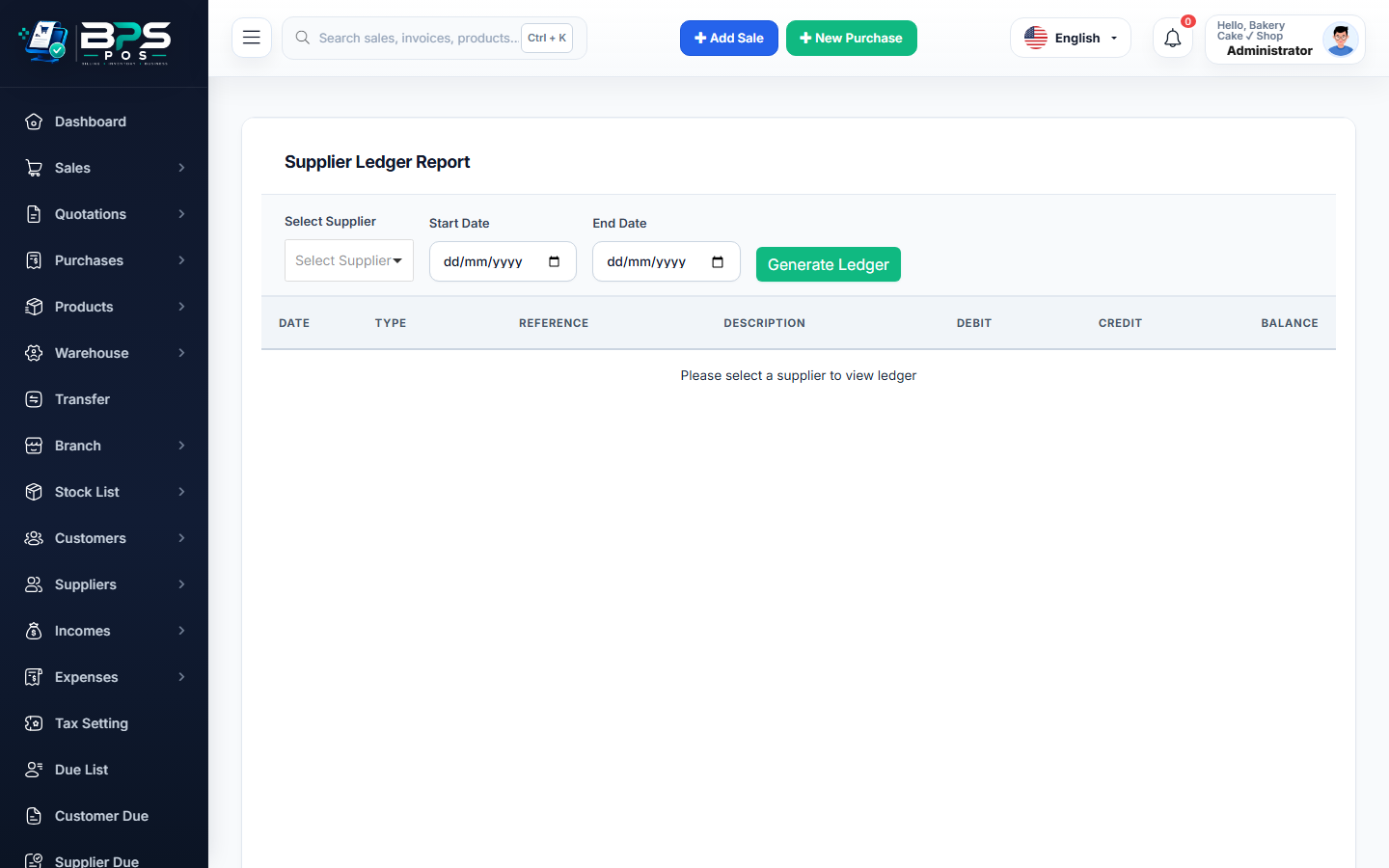
Figure: BPS POS Supplier Payables Aging Schedule in BPS POS.
Monitoring Accounts Payable Aging
Follow these step-by-step instructions inside your BPS POS dashboard to configure and operate this workflow seamlessly:
- Navigate to Reports → Supplier Due Report → Aging Summary.
- Review Aging Buckets: View total liabilities divided into Current, 30 Days Past Due, 60 Days, and 90+ Days.
- Identify Priority Debts: Sort by urgent upcoming payment due dates.
- Schedule Bank Transfers: Click into any overdue supplier to view underlying invoices and execute payments.
BPS POS Pro Tip & Best Practice
Review the Supplier Aging Report every Monday morning to plan cash flow and allocate bank transfer funds efficiently.
Why This Workflow Matters for Your Business
Lightning-Fast Operations
Eliminate cashier bottlenecks, reduce customer waiting times, and handle peak rush hours effortlessly.
100% Financial Accuracy
Automate tax math, stock deductions, and ledger balances to eliminate human calculation mistakes.
Frequently Asked Questions (FAQs)
Can BPS POS send dashboard alerts when vendor bills are due this week?
Yes, the Admin Dashboard displays an "Upcoming Supplier Dues (Next 7 Days)" notification widget.
Ready to Upgrade Your Retail Billing?
Experience lightning-fast billing, automated stock tracking, and multi-branch control with BPS POS.
Explore Pricing Plans →