Preventing Costly Stockouts
Running out of high-velocity inventory means lost sales and disappointed customers. In BPS POS, every product can be assigned an Alert Quantity threshold. When stock falls to or below this level, the system triggers real-time visual alerts on your dashboard and generates automated replenishment lists.
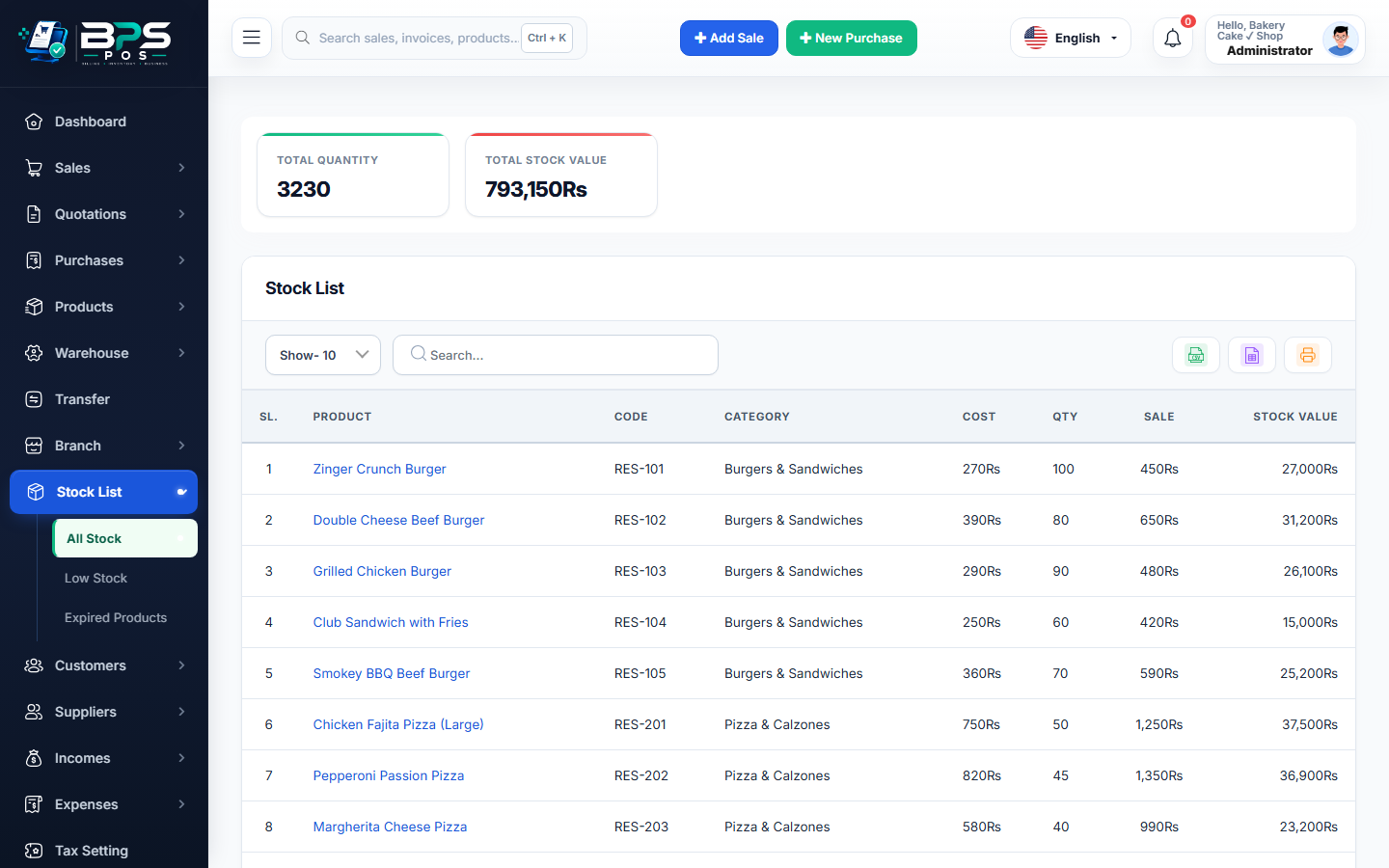
Figure 1: BPS POS Low Stock inventory tracking list.
Configuring Reorder Quantities
- When editing any product, enter a number in the Alert Quantity field (e.g.
10). - Access Stock List → Low Stock to view all items requiring purchase orders.
- Export the low stock list directly to PDF or Excel to send to suppliers immediately.