Multi-Tier Pricing Architecture
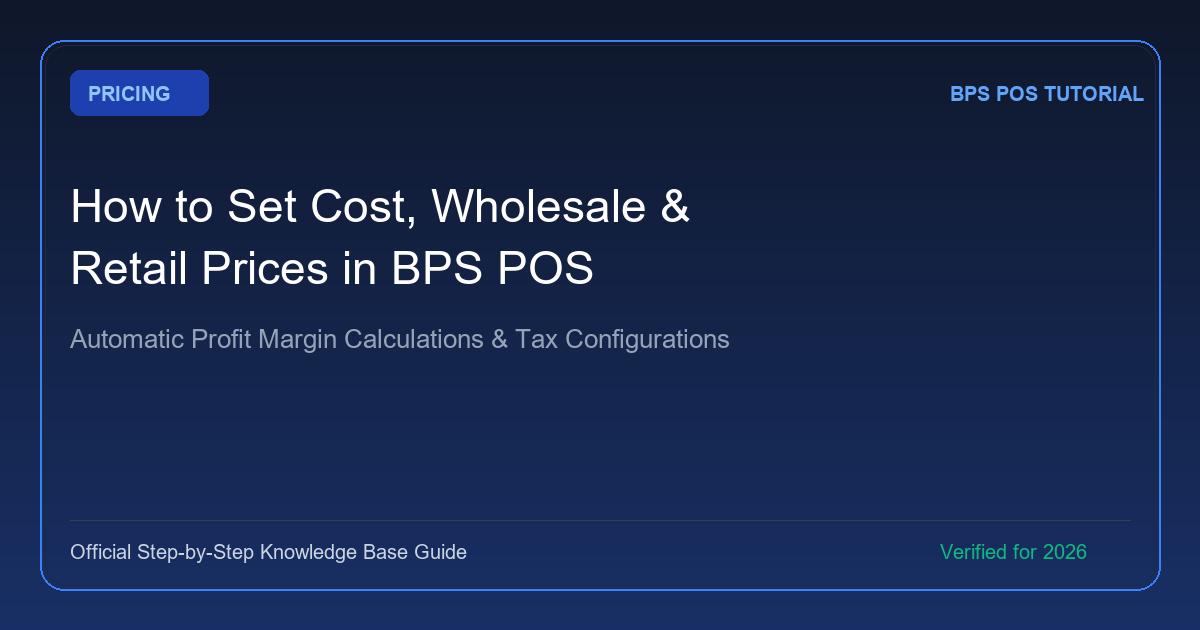
BPS POS accommodates flexible B2C and B2B pricing models. For every product, you can define four distinct price points: Purchase Price (Cost), Retail Sale Price (Walk-in Customers), Wholesale Price (Bulk Buyers), and Dealer Price (Special Distributors), with automated profit margin % calculations.
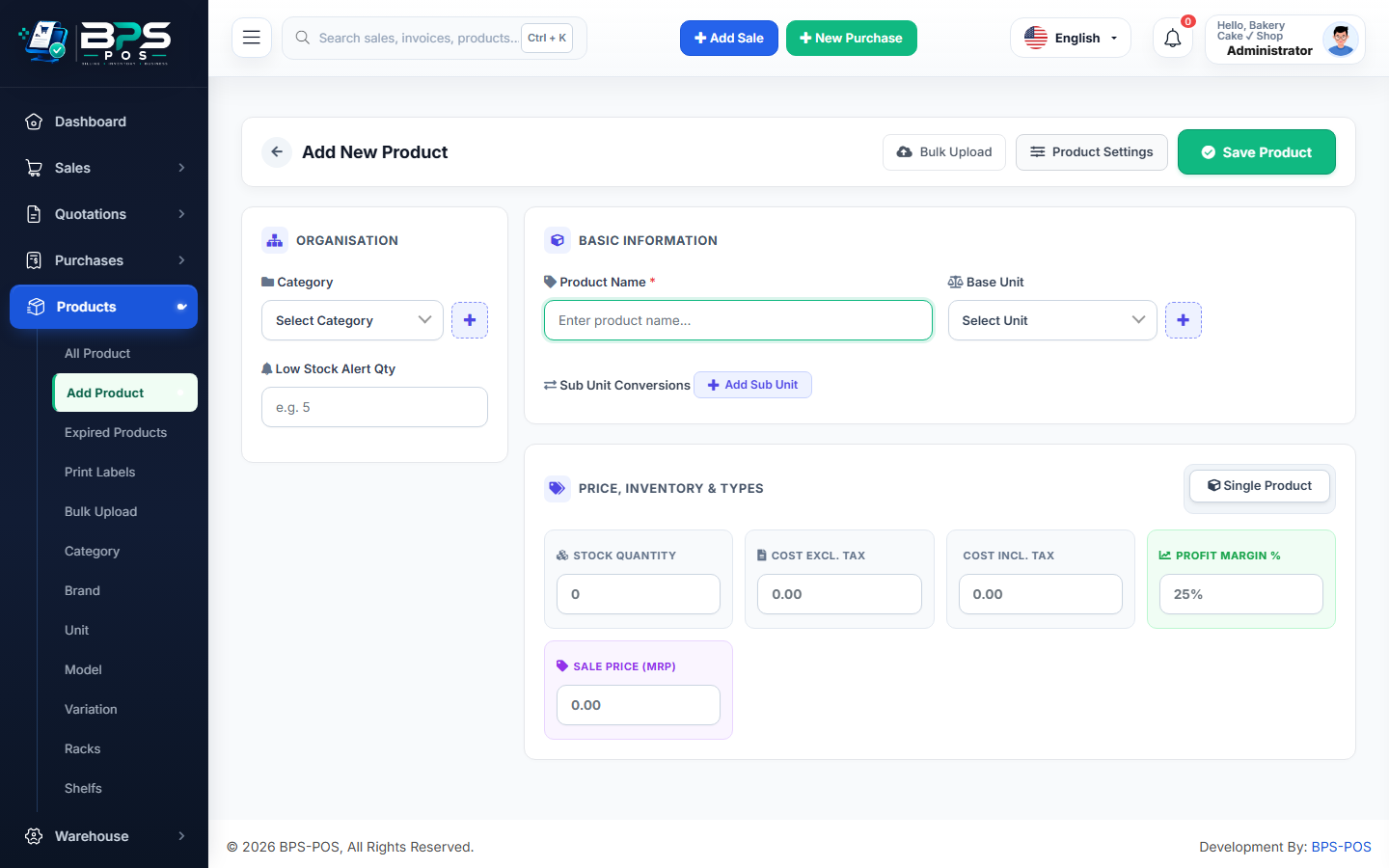
Figure 1: Multi-tier price inputs and automated profit margin calculation.
How Pricing Tiers Function
- Cost Price: Basis for accurate profit/loss reports and FIFO stock valuation.
- Retail Price: The default price automatically loaded on the POS billing screen for walk-in shoppers.
- Wholesale Price: Automatically applied when customer account type is set to Wholesale Buyer.
- Dealer Price: Lowest tier pricing for certified distributors and partners.