Quick product lookups prevent long cashier queues. BPS POS supports plug-and-play USB/Bluetooth barcode scanners, SKU manual typing, and smart dynamic touch grids with real-time stock indicators.
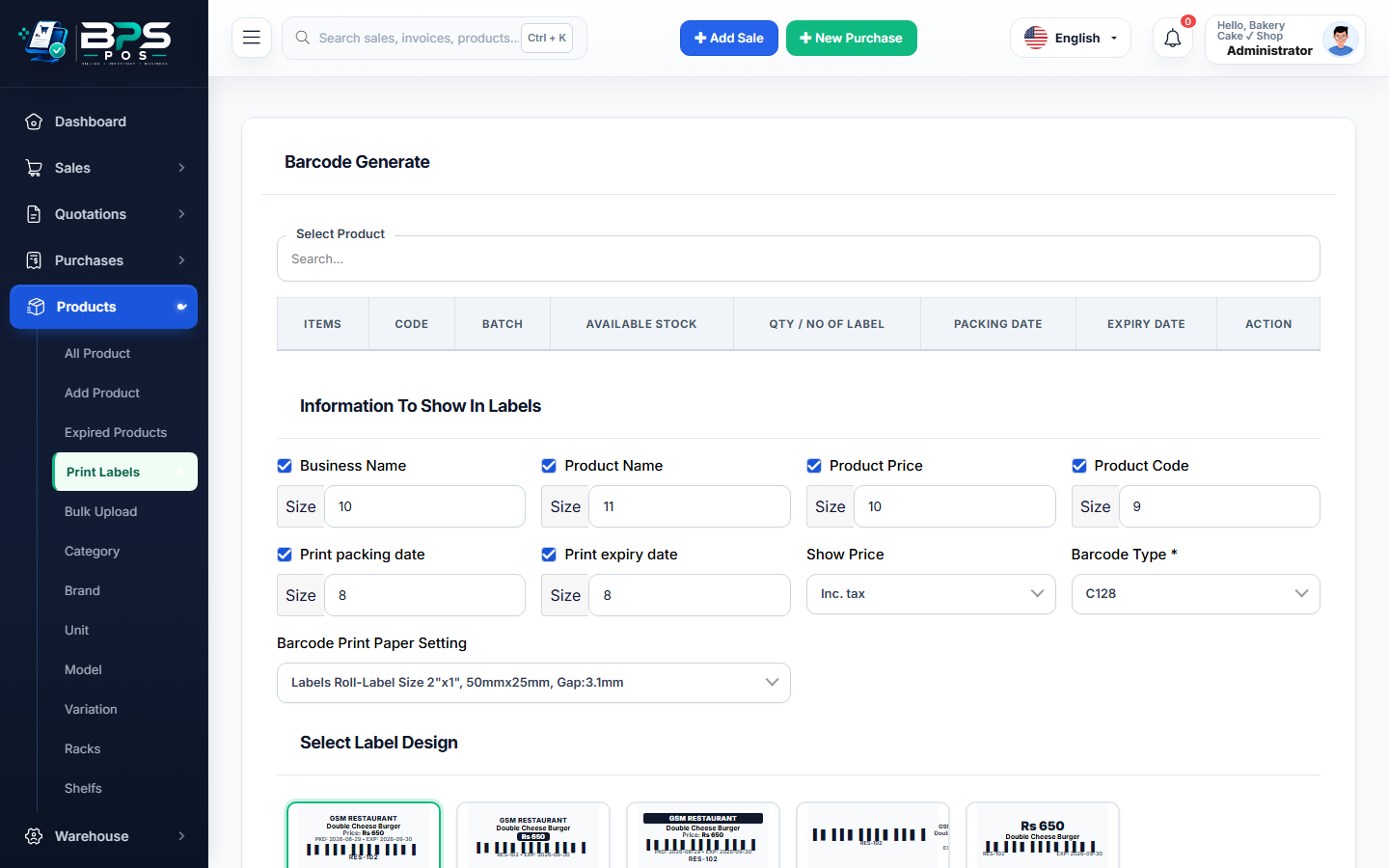
Figure: BPS POS Barcode Scanner and Product Search Grid in BPS POS.
How to Search & Add Items to the POS Cart
Follow these step-by-step instructions inside your BPS POS dashboard to configure and operate this workflow seamlessly:
- Barcode Auto-Scan: Simply focus anywhere on the POS screen and scan the item barcode using your scanner gun—the item is added instantly with quantity 1.
- Text & SKU Search: Type product name, SKU, or model in the top search bar to view instant live auto-complete suggestions.
- Visual Touch Grid: Browse products visually by clicking category tabs (e.g., Beverages, Snacks, Medicines) and tapping item cards.
- Batch & Serial Selection: For serialized items (electronics/phones) or batch items (medicines), a modal opens to choose the specific IMEI or batch code.
BPS POS Pro Tip & Best Practice
If a barcode is scuffed or unreadable, cashiers can type the last 4 digits of the SKU code into the search box to find the exact item instantly.
Why This Workflow Matters for Your Business
Lightning-Fast Operations
Eliminate cashier bottlenecks, reduce customer waiting times, and handle peak rush hours effortlessly.
100% Financial Accuracy
Automate tax math, stock deductions, and ledger balances to eliminate human calculation mistakes.
Frequently Asked Questions (FAQs)
Do I need special drivers for 1D/2D Barcode Guns in BPS POS?
No. BPS POS works with any standard HID keyboard emulation barcode scanner out of the box.
Can I add custom products that are not yet registered in inventory?
Yes, users with manager permissions can click "Quick Add Product" directly from the POS search modal.
Ready to Upgrade Your Retail Billing?
Experience lightning-fast billing, automated stock tracking, and multi-branch control with BPS POS.
Explore Pricing Plans →