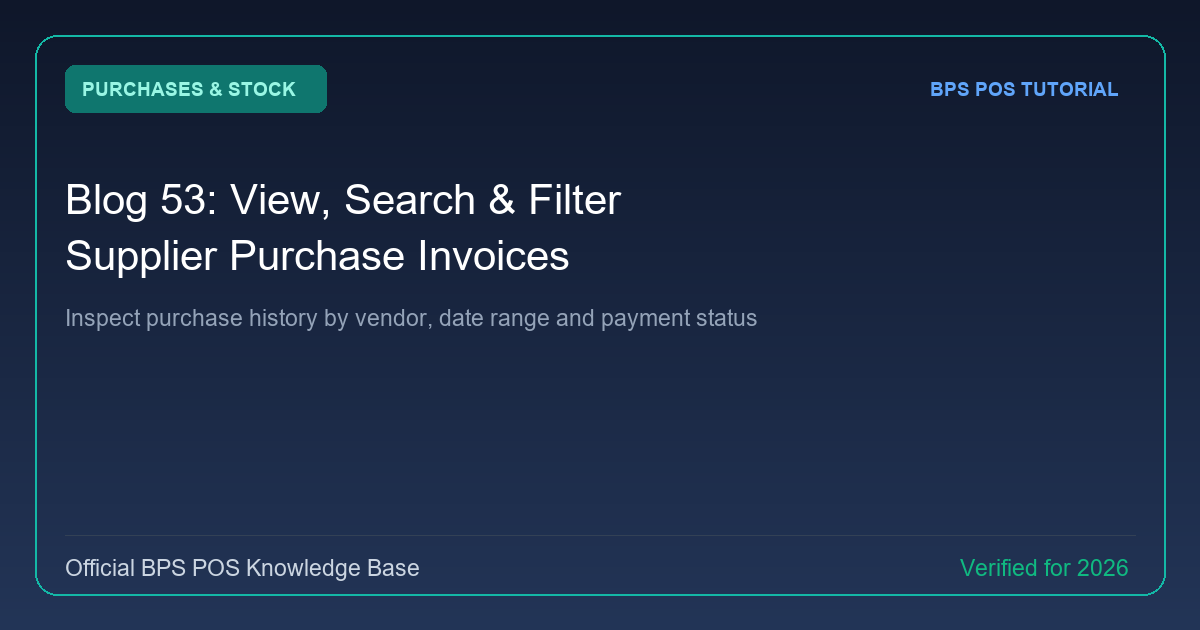
Tracking past procurement records ensures vendor billing accuracy. BPS POS Purchases Register provides a centralized log of all stock inwards with filterable statuses (Received, Ordered, Pending) and payment indicators.
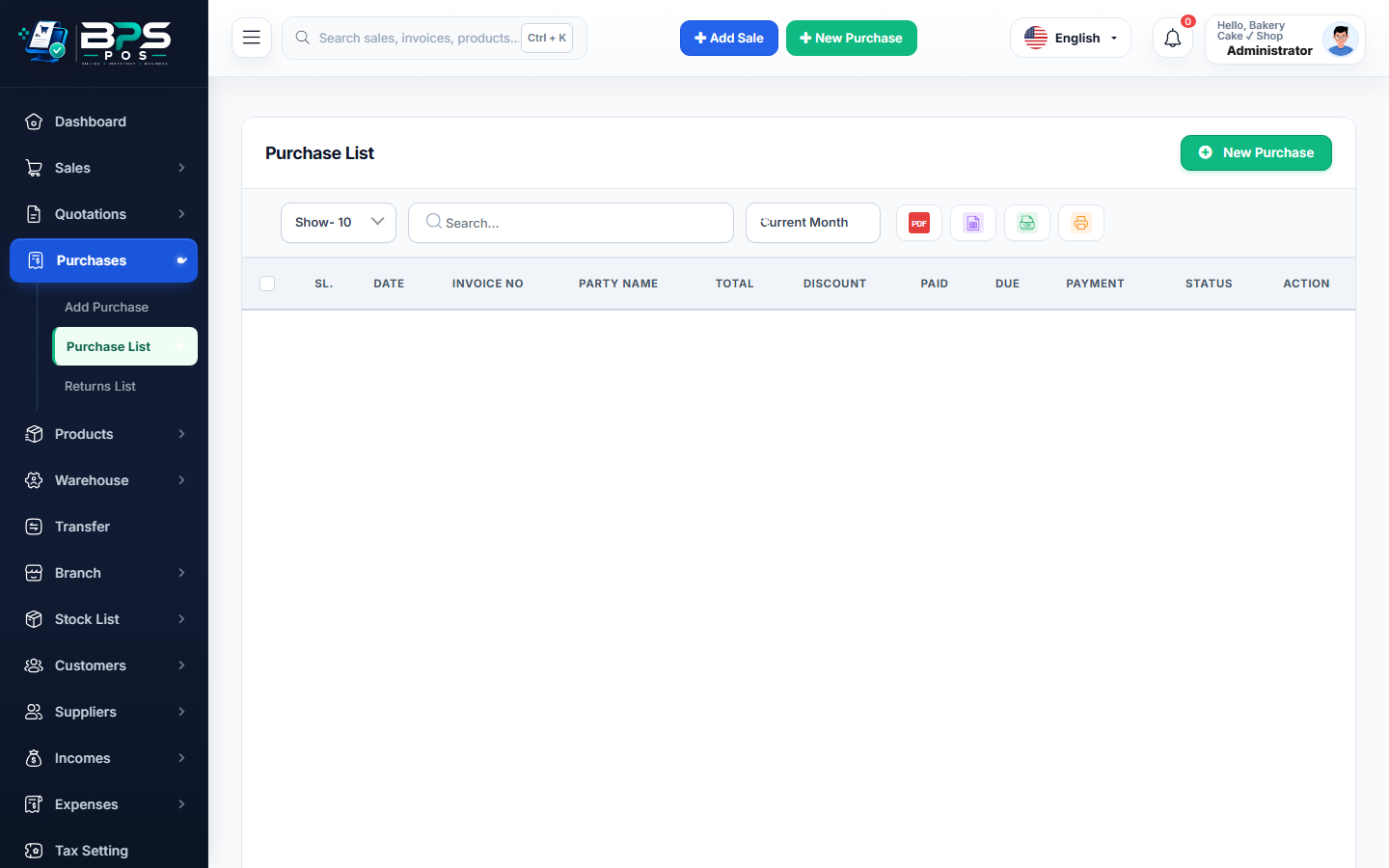
Figure: BPS POS Supplier Purchase Invoices List in BPS POS.
Searching Historical Supplier Purchases
Follow these step-by-step instructions inside your BPS POS dashboard to configure and operate this workflow seamlessly:
- Go to Purchases → Purchases List.
- Filter by Supplier: Select a vendor to view only invoices issued by them.
- Filter by Payment State: Toggle between Paid, Partial Due, and Unpaid.
- Search Bill Number: Type vendor invoice reference into the top search bar.
- View Detailed Modal: Click any row to view items received, unit costs, tax deductions, and attached bill receipts.
BPS POS Pro Tip & Best Practice
Use the "Payment Due" filter to quickly prepare a list of vendor bills requiring settlement before the weekend.
Why This Workflow Matters for Your Business
Lightning-Fast Operations
Eliminate cashier bottlenecks, reduce customer waiting times, and handle peak rush hours effortlessly.
100% Financial Accuracy
Automate tax math, stock deductions, and ledger balances to eliminate human calculation mistakes.
Frequently Asked Questions (FAQs)
Can I re-download supplier invoice PDF copies?
Yes, click "Print / Download PDF" from the row action menu to generate a formal Goods Receipt Note (GRN).
Ready to Upgrade Your Retail Billing?
Experience lightning-fast billing, automated stock tracking, and multi-branch control with BPS POS.
Explore Pricing Plans →