
Retaining customers is 5x cheaper than acquiring new ones. BPS POS CRM gives you a centralized hub for managing customer profiles, phone numbers, loyalty points, and maximum allowable credit balances.
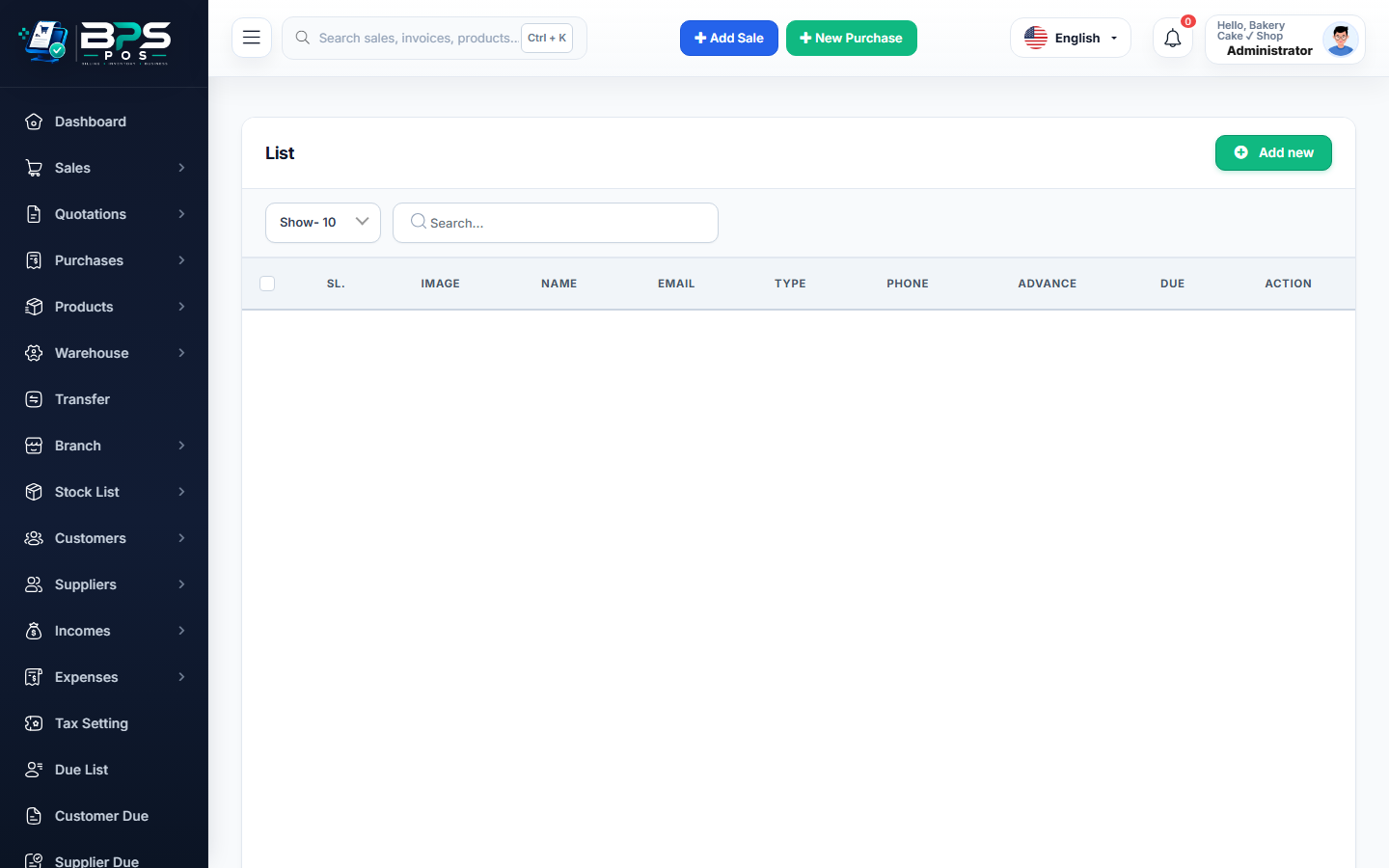
Figure: BPS POS Customer Profiles and Credit Limits Screen in BPS POS.
Managing Customer Profiles and Credit Parameters
Follow these step-by-step instructions inside your BPS POS dashboard to configure and operate this workflow seamlessly:
- Go to Parties → Customers and click Add Customer.
- Fill Contact Info: Enter Full Name, Phone Number, WhatsApp, Email, and Delivery Address.
- Set Credit Limit: Define the maximum credit amount (e.g. $500.00) this customer is permitted to accumulate.
- Set Opening Balance: If bringing existing customer debt from paper ledgers, record it in the Opening Balance field.
- Save Customer: Profile is accessible in POS checkout and customer ledger reports immediately.
BPS POS Pro Tip & Best Practice
Add the customer's Birthday and Anniversary date in custom fields to send automated celebratory discount SMS vouchers.
Why This Workflow Matters for Your Business
Lightning-Fast Operations
Eliminate cashier bottlenecks, reduce customer waiting times, and handle peak rush hours effortlessly.
100% Financial Accuracy
Automate tax math, stock deductions, and ledger balances to eliminate human calculation mistakes.
Frequently Asked Questions (FAQs)
What happens if a cashier tries to sell on credit beyond the customer's limit?
BPS POS blocks the transaction with an alert unless an authorized manager enters an override PIN.
Ready to Upgrade Your Retail Billing?
Experience lightning-fast billing, automated stock tracking, and multi-branch control with BPS POS.
Explore Pricing Plans →



