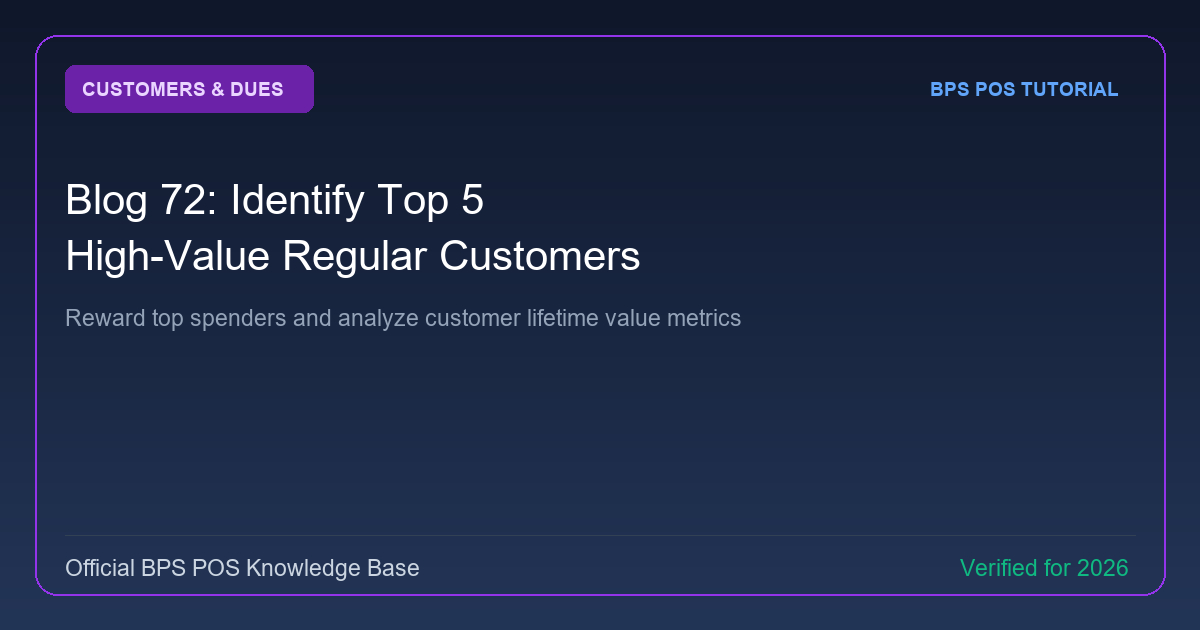
The Pareto 80/20 Principle proves that 20% of your customers generate 80% of your retail revenue. BPS POS Top Customer Analytics ranks clients by gross spending, purchase frequency, and net profitability.
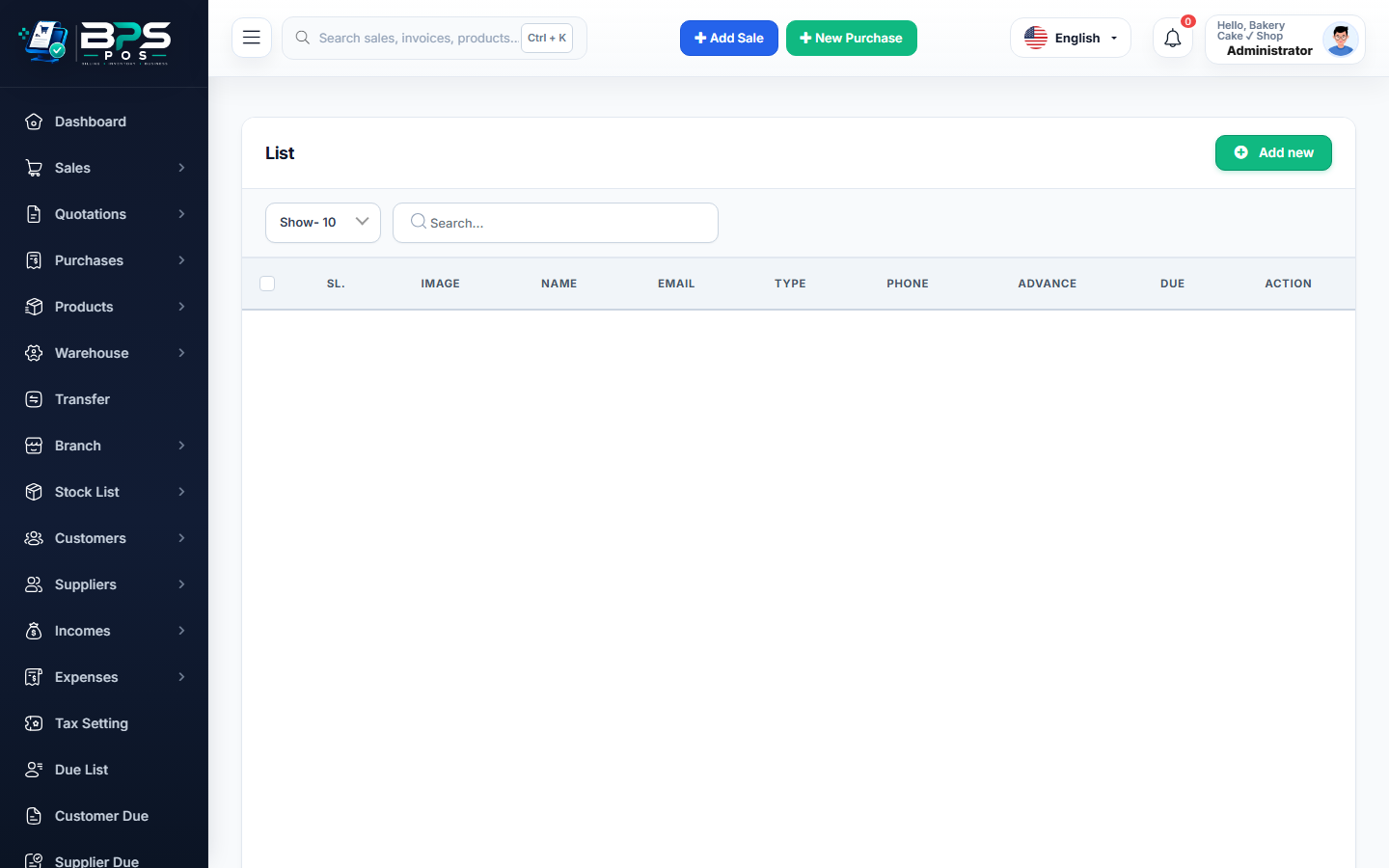
Figure: BPS POS Top 5 High-Value Customers Analytics Report in BPS POS.
Discovering Your Top Customers
Follow these step-by-step instructions inside your BPS POS dashboard to configure and operate this workflow seamlessly:
- Go to Reports → Top 5 Customer Reports.
- Select Timeframe: Analyze This Month, This Quarter, or All Time.
- Inspect Ranking Chart: View interactive bar charts ranking top spenders by Total Invoiced Revenue.
- Analyze Buying Habits: Click any customer to see what specific product categories they purchase most frequently.
- Launch VIP Perks: Assign special wholesale tier discounts or gift vouchers to your top spenders.
BPS POS Pro Tip & Best Practice
Assign dedicated account managers or personalized WhatsApp updates to your top 5 VIP clients to maximize lifetime retention.
Why This Workflow Matters for Your Business
Lightning-Fast Operations
Eliminate cashier bottlenecks, reduce customer waiting times, and handle peak rush hours effortlessly.
100% Financial Accuracy
Automate tax math, stock deductions, and ledger balances to eliminate human calculation mistakes.
Frequently Asked Questions (FAQs)
Can I rank customers by Profit Contribution rather than just Gross Sales?
Yes, switch the ranking metric to "Net Profit Contribution" to identify your most lucrative clients.
Ready to Upgrade Your Retail Billing?
Experience lightning-fast billing, automated stock tracking, and multi-branch control with BPS POS.
Explore Pricing Plans →