
The Day Book (Roznamcha) is the heart of traditional and modern bookkeeping. BPS POS Day Book Report compiles every single debit and credit transaction—sales, due recoveries, vendor payments, expenses, and bank transfers—into one unified chronological statement.
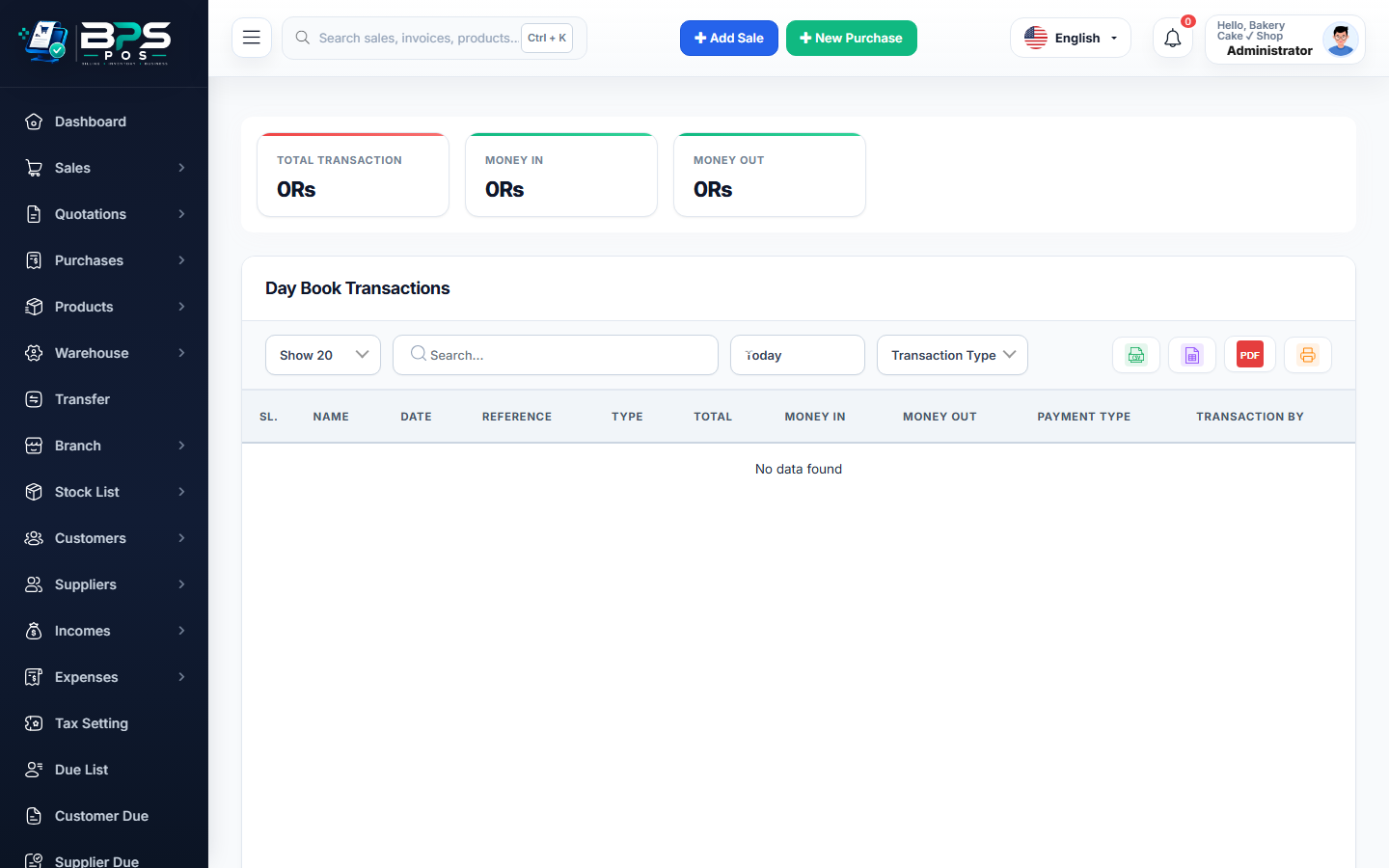
Figure: BPS POS Day Book Financial Transaction Report in BPS POS.
Generating and Analyzing the Day Book
Follow these step-by-step instructions inside your BPS POS dashboard to configure and operate this workflow seamlessly:
- Go to Reports → Day Book Reports.
- Select Target Date: Choose Today, Yesterday, or pick any historical calendar day.
- Inspect Debit Column: View all money coming in (Cash sales, Card payments, Customer due recoveries, Direct income).
- Inspect Credit Column: View all money going out (Supplier payments, Operating expenses, Customer refunds).
- Verify Net Closing Position: Check opening cash + net day movement = closing cash in hand.
BPS POS Pro Tip & Best Practice
Print the Day Book at 9:00 PM every evening to sign off on complete daily business financial movements.
Why This Workflow Matters for Your Business
Lightning-Fast Operations
Eliminate cashier bottlenecks, reduce customer waiting times, and handle peak rush hours effortlessly.
100% Financial Accuracy
Automate tax math, stock deductions, and ledger balances to eliminate human calculation mistakes.
Frequently Asked Questions (FAQs)
Can I export the Day Book to Excel or PDF?
Yes, 1-click export buttons generate audit-ready Excel sheets and formatted PDF summaries.
Ready to Upgrade Your Retail Billing?
Experience lightning-fast billing, automated stock tracking, and multi-branch control with BPS POS.
Explore Pricing Plans →



