Once a client approves your quotation, re-entering all products and prices is a waste of time. BPS POS features a 1-click "Convert to Sale" engine that transforms quotes into finalized sales invoices instantly.
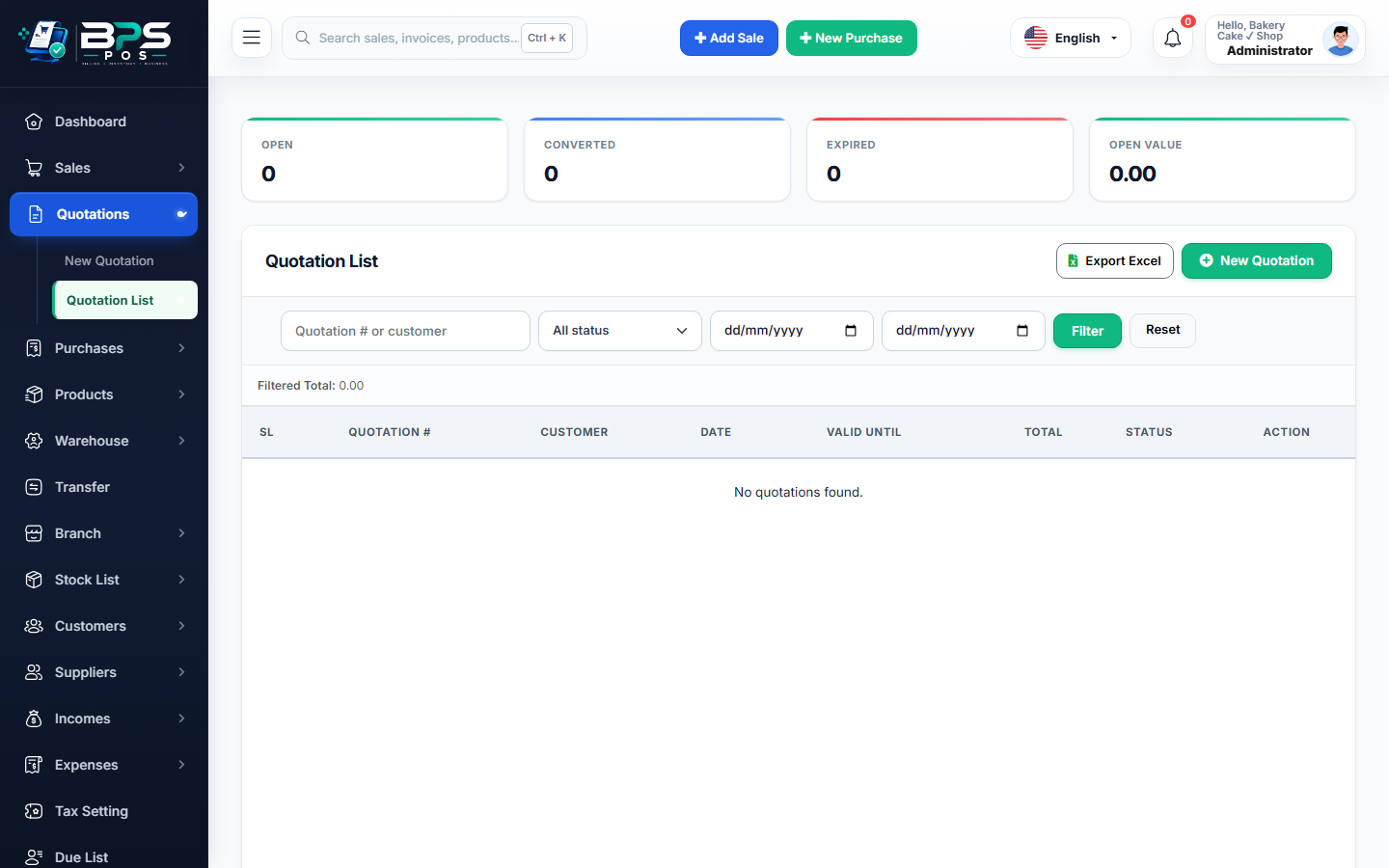
Figure: BPS POS 1-Click Convert Quotation to Sale in BPS POS.
1-Click Quotation Conversion Process
Follow these step-by-step instructions inside your BPS POS dashboard to configure and operate this workflow seamlessly:
- Go to Quotations → All Quotations.
- Find the approved quotation and click Actions → Convert to Sale.
- Review Cart & Adjustments: All products, custom quantities, and agreed prices load directly into the POS checkout view.
- Collect Payment: Record Cash, Card, Bank Wire, or mark as Due (Udhar).
- Finalize: The sale is recorded, inventory stock is deducted, and the quotation status updates to "Converted".
BPS POS Pro Tip & Best Practice
Converting a quote automatically links the final sales invoice back to the original estimate number for full end-to-end traceability.
Why This Workflow Matters for Your Business
Lightning-Fast Operations
Eliminate cashier bottlenecks, reduce customer waiting times, and handle peak rush hours effortlessly.
100% Financial Accuracy
Automate tax math, stock deductions, and ledger balances to eliminate human calculation mistakes.
Frequently Asked Questions (FAQs)
Can I modify quantities during quotation conversion?
Yes! If the customer requests an extra item at the last minute, you can add or modify cart lines before hitting submit.
Ready to Upgrade Your Retail Billing?
Experience lightning-fast billing, automated stock tracking, and multi-branch control with BPS POS.
Explore Pricing Plans →