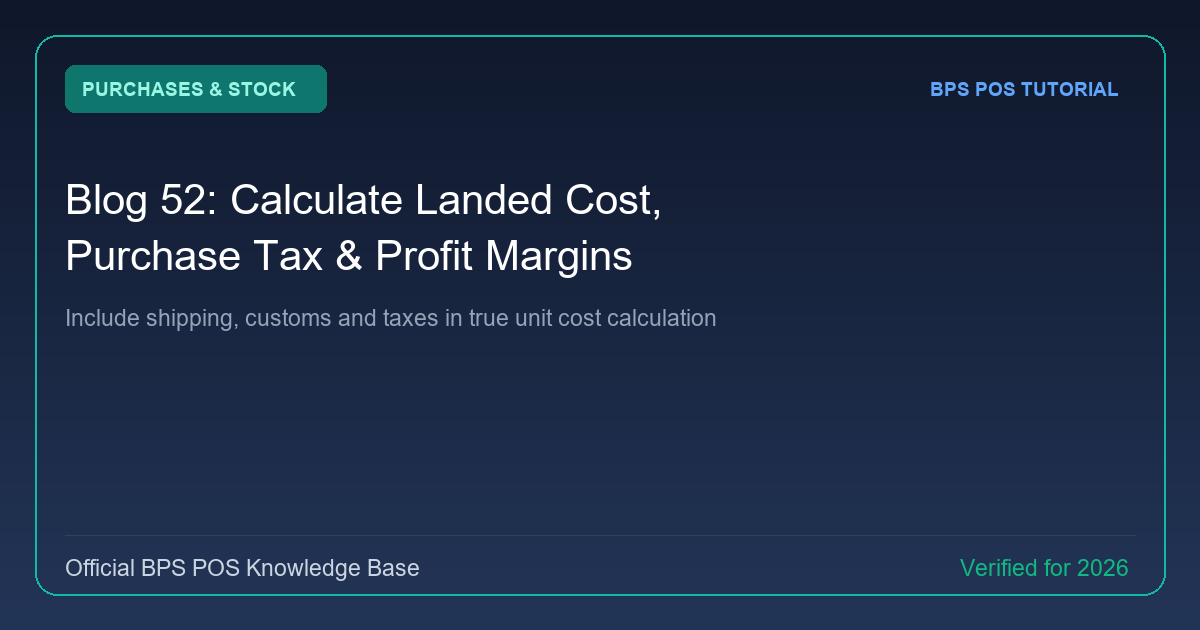
Purchasing an item for $10 with $2 shipping means your true unit cost is $12, not $10. BPS POS Landed Cost Engine apportions overhead costs across received items to ensure retail pricing guarantees targeted profit margins.
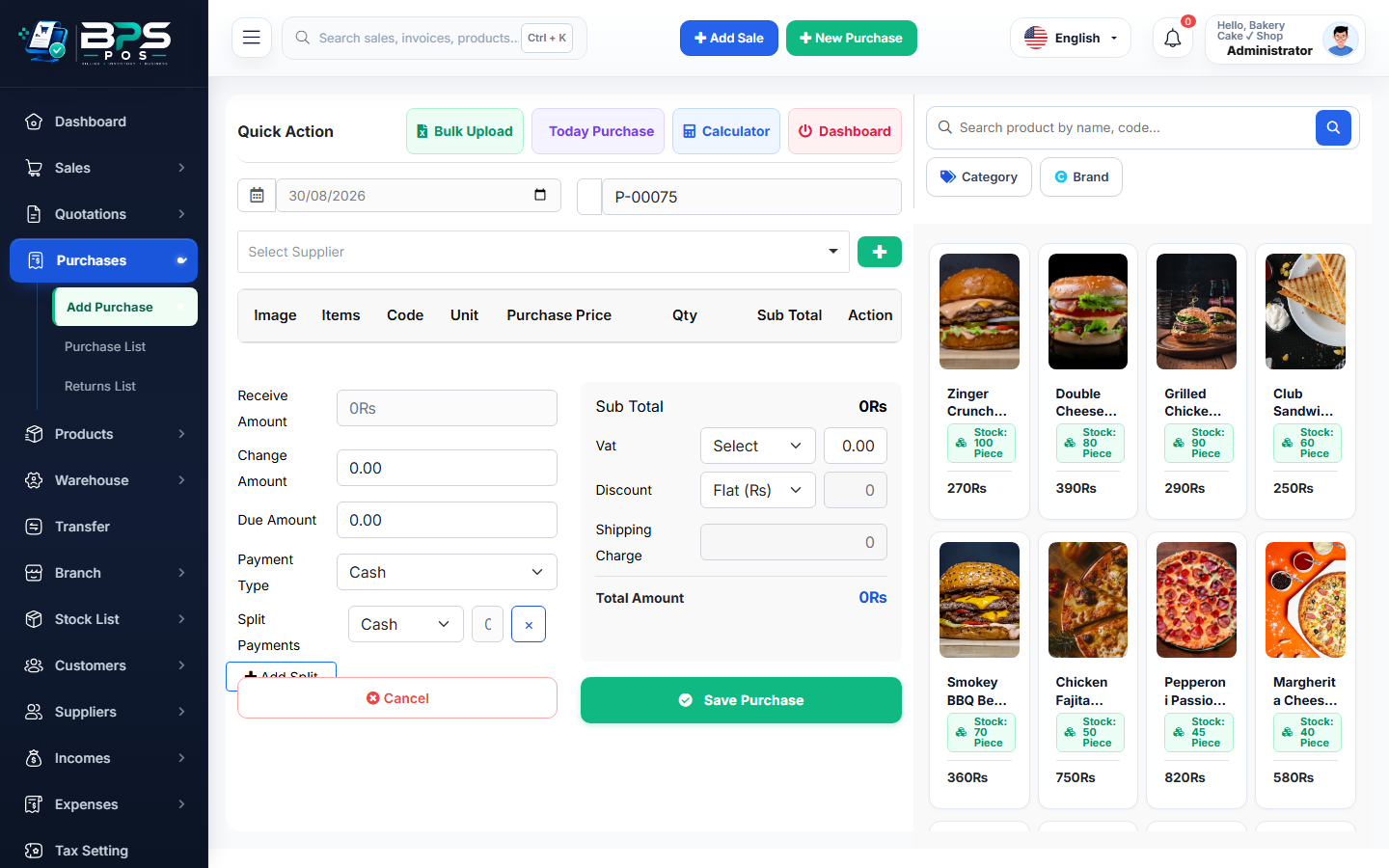
Figure: BPS POS Landed Cost and Profit Margin Calculator in BPS POS.
Calculating True Landed Unit Costs
Follow these step-by-step instructions inside your BPS POS dashboard to configure and operate this workflow seamlessly:
- Enter Base Unit Price: Input raw supplier item price in the purchase invoice.
- Add Purchase Taxes: Select Tax Type (Inclusive or Exclusive) to factor VAT.
- Distribute Additional Expenses: Enter Freight Charges, Packaging, or Customs Duty in the "Other Expenses" field.
- Review Effective Landed Cost: BPS POS automatically computes Landed Unit Cost.
- Set Margin % & Selling Price: Enter desired profit margin (e.g. 25%), and the system suggests the optimal Retail Selling Price.
BPS POS Pro Tip & Best Practice
Updating landed cost prompts an optional popup: "Update Retail Price across POS?" to ensure profit margins are maintained against rising supplier costs.
Why This Workflow Matters for Your Business
Lightning-Fast Operations
Eliminate cashier bottlenecks, reduce customer waiting times, and handle peak rush hours effortlessly.
100% Financial Accuracy
Automate tax math, stock deductions, and ledger balances to eliminate human calculation mistakes.
Frequently Asked Questions (FAQs)
Can landed cost be distributed proportionally by item weight or value?
Yes, choose between Value-Based or Quantity-Based landed cost distribution methods.
Ready to Upgrade Your Retail Billing?
Experience lightning-fast billing, automated stock tracking, and multi-branch control with BPS POS.
Explore Pricing Plans →