When a customer at Branch A wants an out-of-stock dress or laptop, cashiers can check if nearby Branch B has units in stock. BPS POS Consolidated Stock Matrix provides real-time multi-location availability.
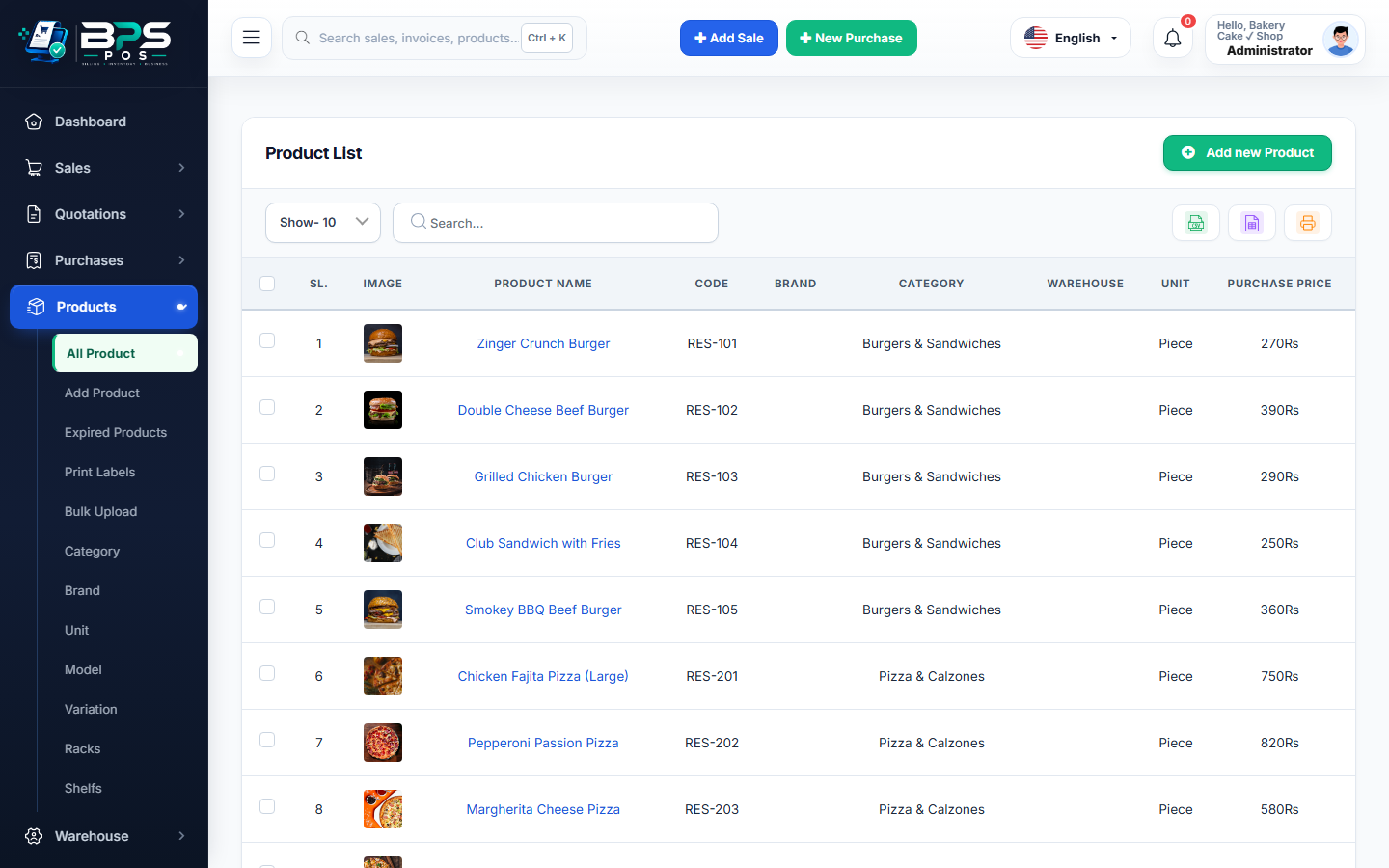
Figure: BPS POS Central Consolidated Stock across All Outlets in BPS POS.
Checking Global Multi-Store Inventory
Follow these step-by-step instructions inside your BPS POS dashboard to configure and operate this workflow seamlessly:
- On the POS screen or Products Catalog, search for the target item.
- Click the Stock Matrix icon next to the product name.
- View Breakdown Table: See available units at: Main Warehouse (120 units), Branch 1 (5 units), Branch 2 (18 units), and In-Transit (10 units).
- Instant Customer Fulfillment: Cashiers can offer to transfer the item or send the customer to the nearby branch.
- Consolidated Asset Valuation: Review total enterprise inventory valuation at cost and retail selling value.
BPS POS Pro Tip & Best Practice
Central stock visibility prevents lost high-value sales by facilitating same-day inter-branch customer pickups.
Why This Workflow Matters for Your Business
Lightning-Fast Operations
Eliminate cashier bottlenecks, reduce customer waiting times, and handle peak rush hours effortlessly.
100% Financial Accuracy
Automate tax math, stock deductions, and ledger balances to eliminate human calculation mistakes.
Frequently Asked Questions (FAQs)
Can cashiers see the exact shelf/rack location in other branches?
Yes, if rack locations are configured, the matrix displays the exact aisle number in the other store.
Ready to Upgrade Your Retail Billing?
Experience lightning-fast billing, automated stock tracking, and multi-branch control with BPS POS.
Explore Pricing Plans →