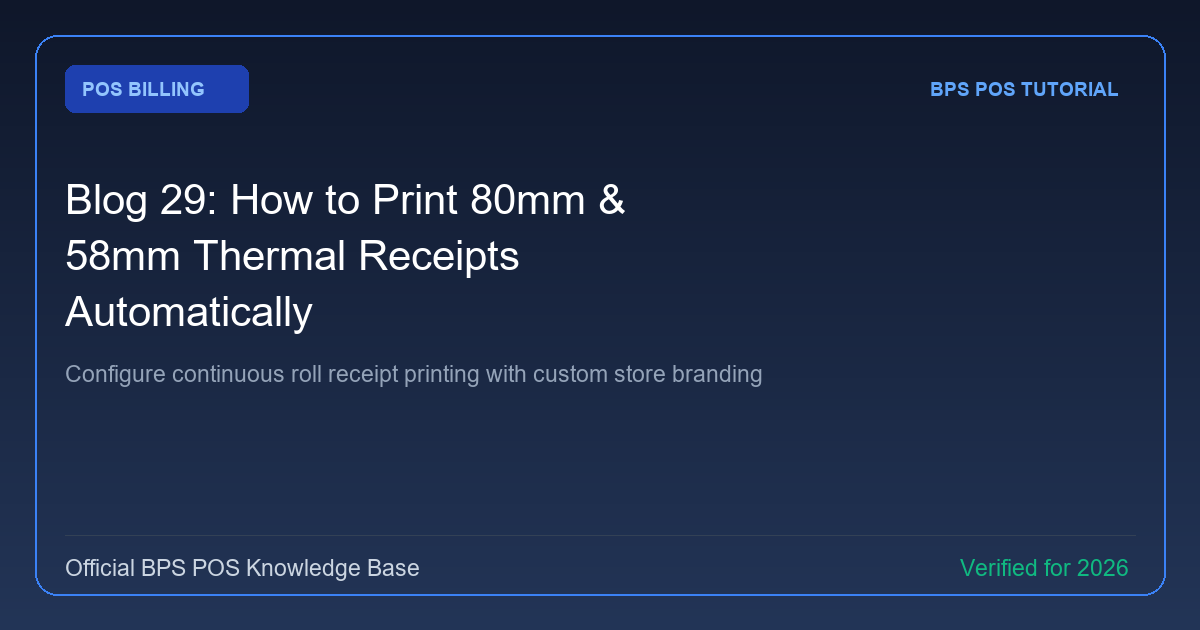
Thermal receipt printers are standard in retail and hospitality. BPS POS natively supports standard 80mm (3-inch) and 58mm (2-inch) thermal printer rolls with optimized high-contrast black & white typography.
Figure: BPS POS Thermal Receipt Print Layout in BPS POS.
Configuring Thermal Receipt Printing
Follow these step-by-step instructions inside your BPS POS dashboard to configure and operate this workflow seamlessly:
- Navigate to Settings → Receipt Settings: Choose your target paper width (80mm standard or 58mm compact).
- Upload Store Logo: Add a high-contrast monochrome logo to display at the receipt header.
- Configure Footer Notes: Add return policy terms, thank-you messages, and store contact info.
- Test Print: Click "Print Sample Receipt" to check alignment, margin padding, and thermal auto-cutter activation.
BPS POS Pro Tip & Best Practice
For instant 1-second printing, configure Chrome/Edge browser with `--kiosk --kiosk-printing` flags to bypass print preview dialogs completely.
Why This Workflow Matters for Your Business
Lightning-Fast Operations
Eliminate cashier bottlenecks, reduce customer waiting times, and handle peak rush hours effortlessly.
100% Financial Accuracy
Automate tax math, stock deductions, and ledger balances to eliminate human calculation mistakes.
Frequently Asked Questions (FAQs)
Can I print QR codes for digital invoice verification on thermal slips?
Yes, BPS POS generates a dynamic QR code at the bottom of every thermal receipt for ZATCA/FBR/VAT compliance.
Ready to Upgrade Your Retail Billing?
Experience lightning-fast billing, automated stock tracking, and multi-branch control with BPS POS.
Explore Pricing Plans →