Paying suppliers on time maintains good vendor relationships and discount terms. BPS POS Supplier Payment Settlement lets you pay specific invoices or make lump-sum payments toward overall supplier credit balances.
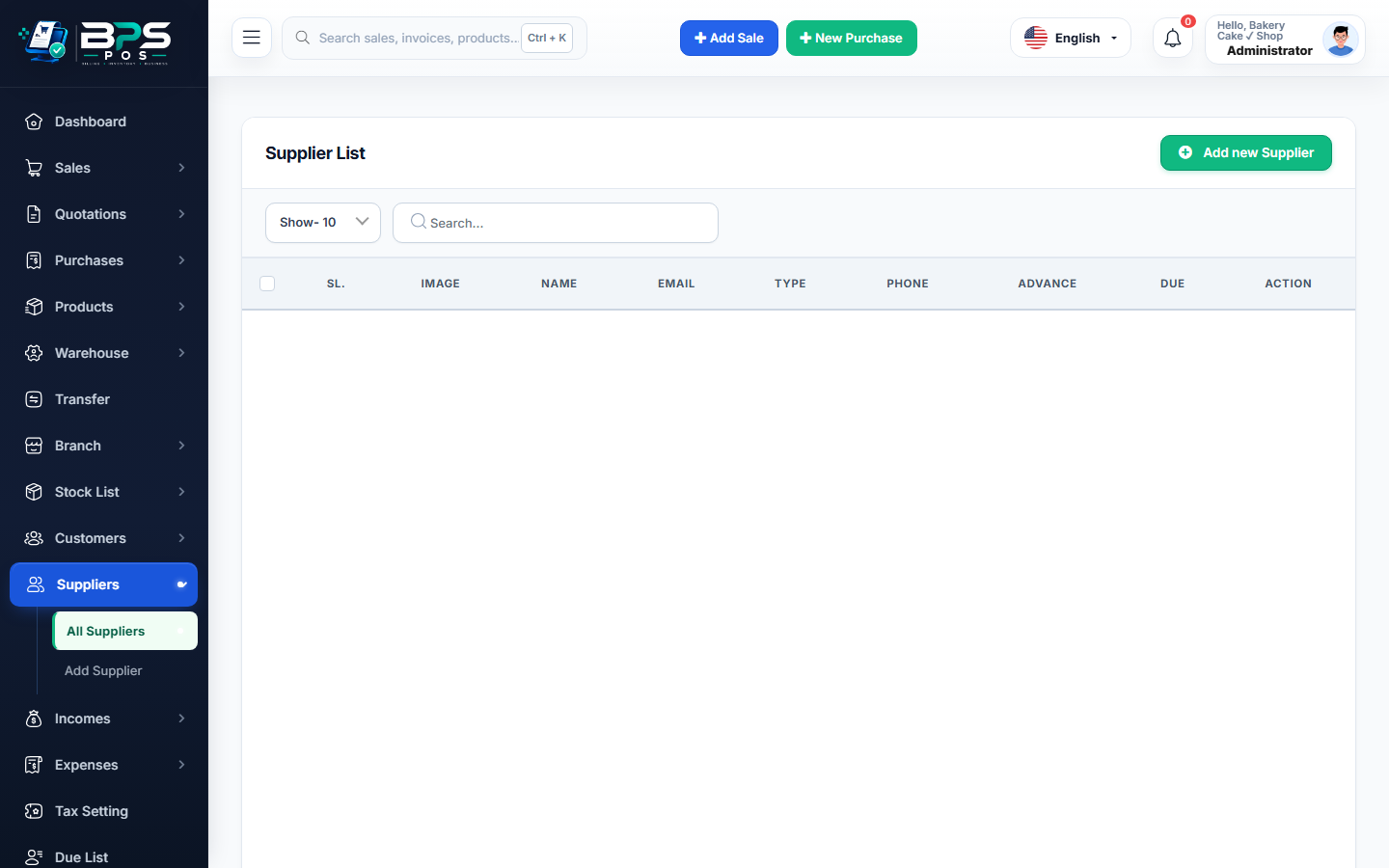
Figure: BPS POS Pay Supplier Dues and Payment Voucher in BPS POS.
Steps to Settle Supplier Payables
Follow these step-by-step instructions inside your BPS POS dashboard to configure and operate this workflow seamlessly:
- Go to Parties → Suppliers or Purchases → Supplier Dues.
- Find Supplier & Click "Pay Due": View total outstanding debt across all pending invoices.
- Enter Payment Amount: Input the partial or full settlement sum.
- Select Payment Account: Choose paying from Cash Drawer, Business Bank Account, or Cheque.
- Add Reference & Print Voucher: Record transaction reference number and generate an official Supplier Payment Receipt.
BPS POS Pro Tip & Best Practice
Use the "Auto-Allocate Oldest First" option to apply lump-sum vendor payments automatically to the oldest pending invoices first.
Why This Workflow Matters for Your Business
Lightning-Fast Operations
Eliminate cashier bottlenecks, reduce customer waiting times, and handle peak rush hours effortlessly.
100% Financial Accuracy
Automate tax math, stock deductions, and ledger balances to eliminate human calculation mistakes.
Frequently Asked Questions (FAQs)
Can I pay multiple supplier bills in one single bank transfer?
Yes, lump-sum party payments distribute funds across outstanding invoices automatically.
Ready to Upgrade Your Retail Billing?
Experience lightning-fast billing, automated stock tracking, and multi-branch control with BPS POS.
Explore Pricing Plans →