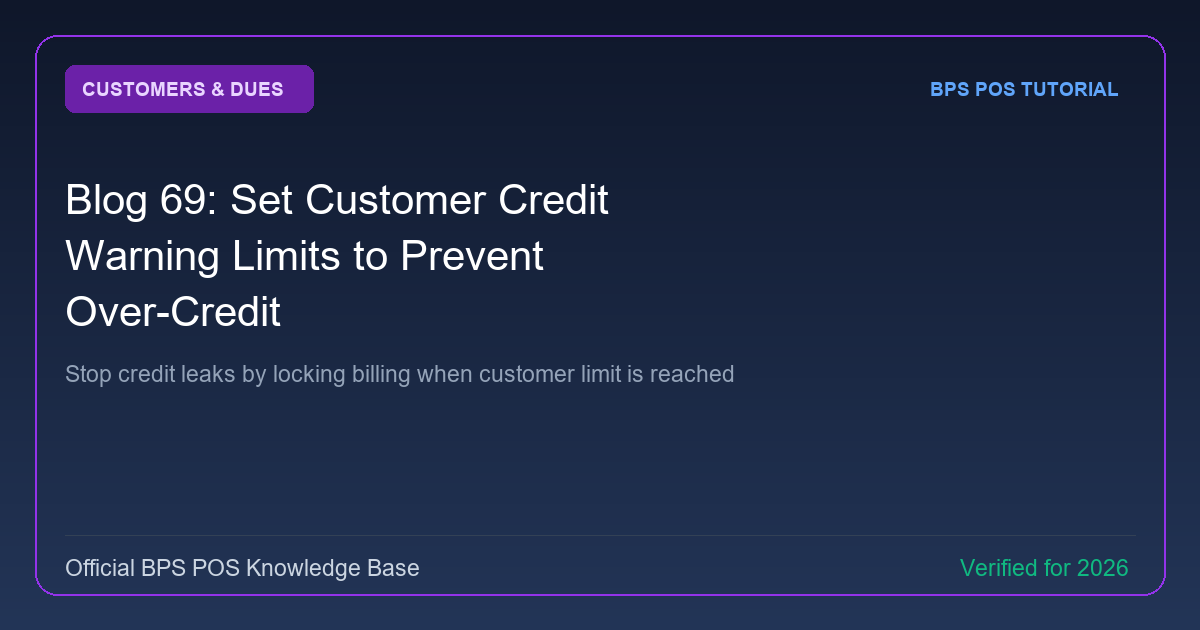
Uncontrolled credit sales are the #1 cause of retail insolvency. BPS POS Credit Limits prevents cashiers from billing on credit once a customer reaches their pre-approved debt ceiling.
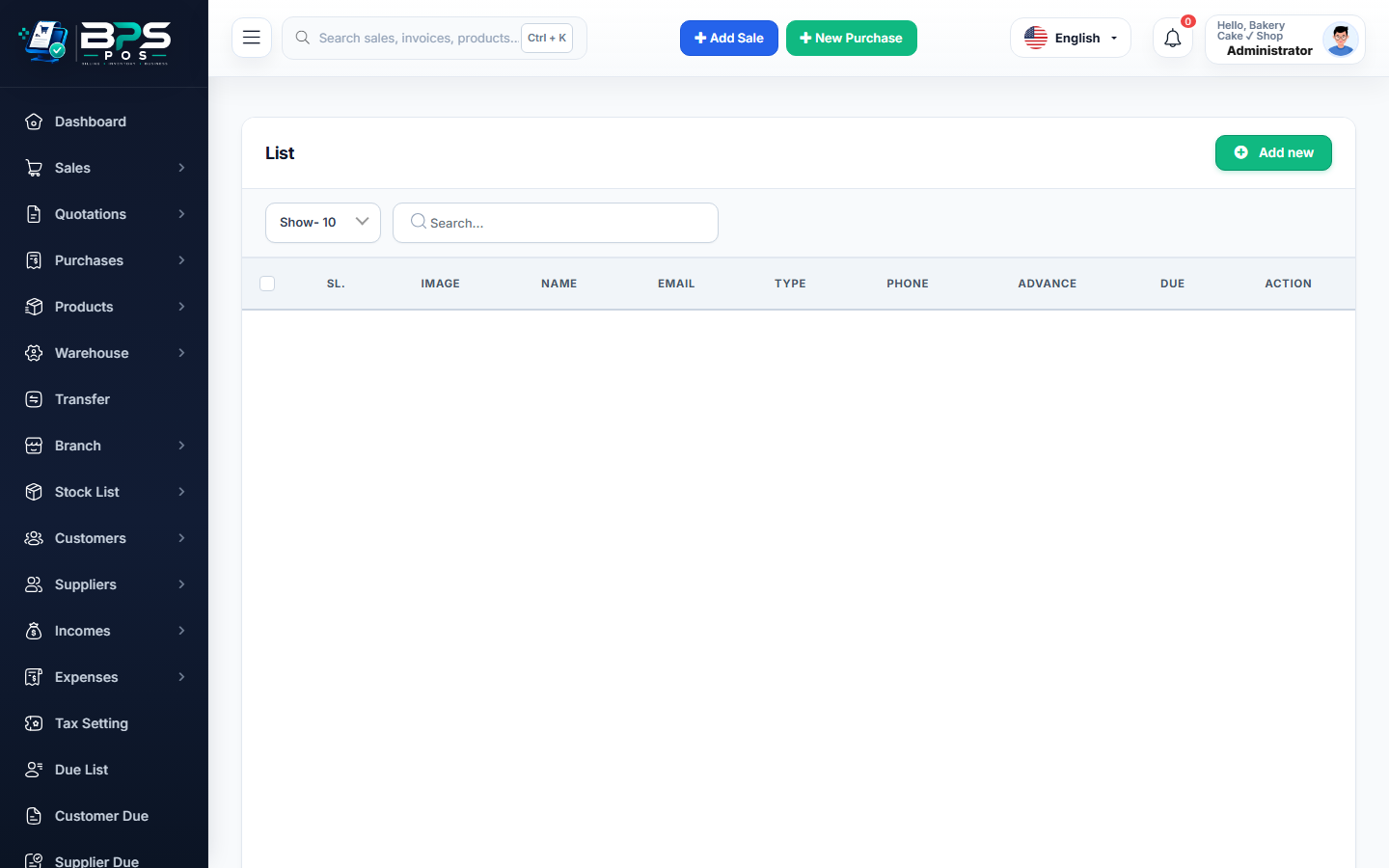
Figure: BPS POS Customer Credit Warning Limits and Debt Safeguards in BPS POS.
Enforcing Credit Limits and Warnings
Follow these step-by-step instructions inside your BPS POS dashboard to configure and operate this workflow seamlessly:
- Edit Customer: Go to Parties → Customers → Edit.
- Set Maximum Credit Limit: Enter ceiling amount (e.g. $1,000.00).
- Select Enforcement Action: Choose Warning Only (Cashier Alert) or Hard Lock (Requires Manager Override).
- Test on POS: When billing this customer, if the new order pushes total balance over $1,000, BPS POS triggers a security warning.
- Require Supervisor Approval: The cashier cannot finalize the credit sale without a manager's security authorization code.
BPS POS Pro Tip & Best Practice
Set lower credit limits for newly registered clients and incrementally raise limits as they demonstrate consistent on-time payment habits.
Why This Workflow Matters for Your Business
Lightning-Fast Operations
Eliminate cashier bottlenecks, reduce customer waiting times, and handle peak rush hours effortlessly.
100% Financial Accuracy
Automate tax math, stock deductions, and ledger balances to eliminate human calculation mistakes.
Frequently Asked Questions (FAQs)
Can a locked customer still make 100% cash purchases?
Yes! The credit restriction only blocks unpaid/due sales; full cash or card purchases remain fully permitted.
Ready to Upgrade Your Retail Billing?
Experience lightning-fast billing, automated stock tracking, and multi-branch control with BPS POS.
Explore Pricing Plans →