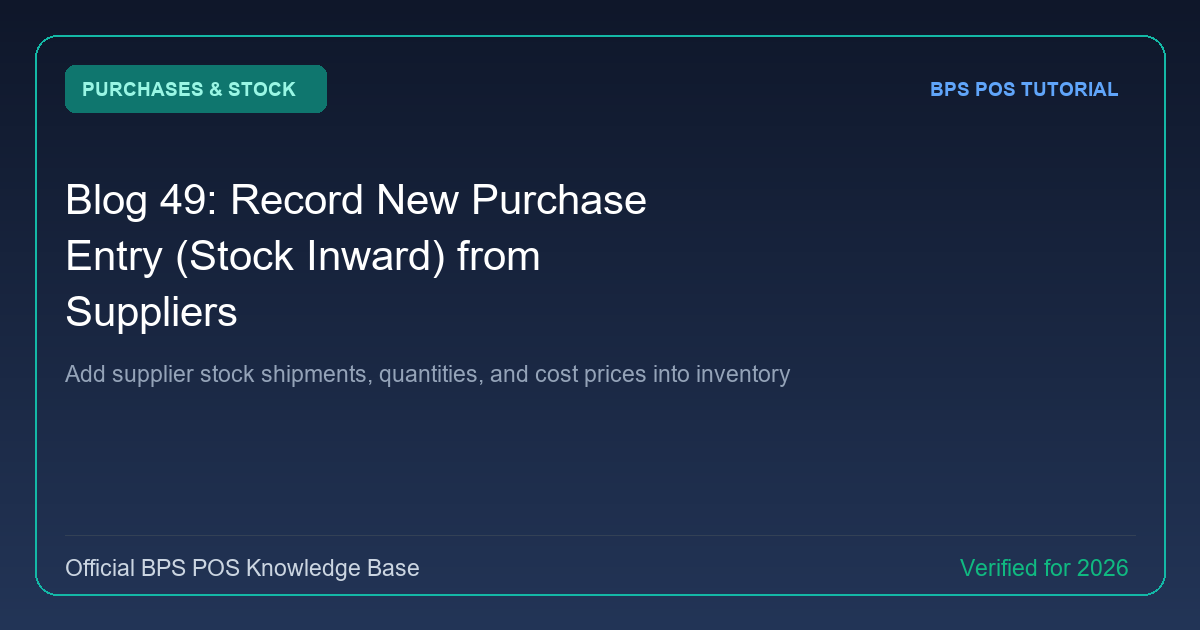
Accurate stock levels begin at purchase inward. BPS POS Purchase Module allows store managers to log incoming vendor goods, record invoice numbers, update unit cost prices, and automatically increment inventory counts.
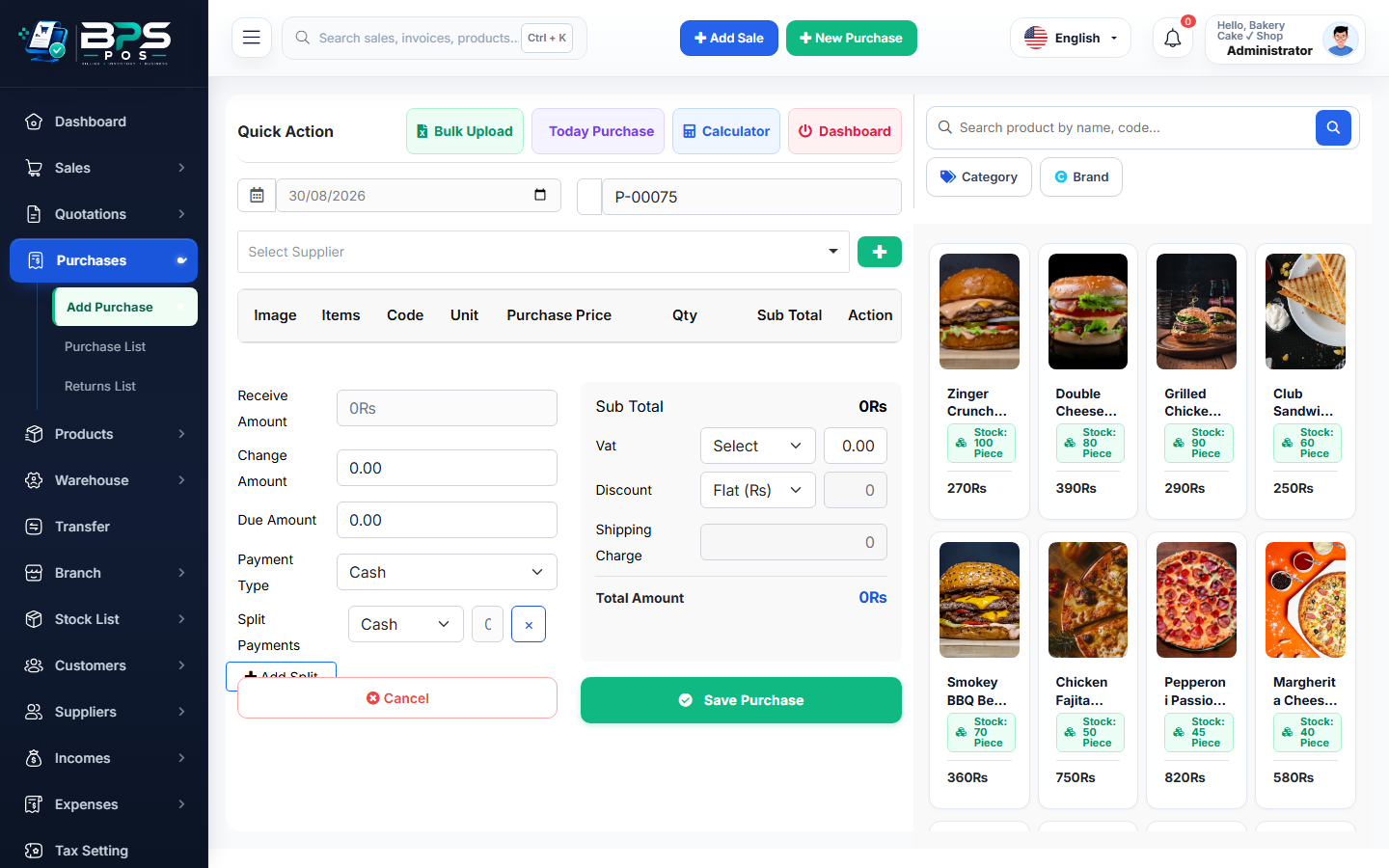
Figure: BPS POS Record New Purchase Inward Screen in BPS POS.
Recording Supplier Purchase Inwards
Follow these step-by-step instructions inside your BPS POS dashboard to configure and operate this workflow seamlessly:
- Go to Purchases → Add Purchase from the sidebar.
- Select Supplier & Invoice Info: Pick the vendor, enter their Bill / Invoice #, and select the purchase date.
- Add Stock Items: Search items by name or scan incoming product barcodes, specify received quantities, and unit purchase costs.
- Apply Shipping & Taxes: Add freight delivery charges, supplier discounts, and applicable input VAT.
- Record Payment Status: Select Paid, Partial, or Due (Payable to Supplier) and save.
BPS POS Pro Tip & Best Practice
Uploading a photo or PDF scan of the physical paper supplier bill into the "Attachment" box provides an unassailable audit trail.
Why This Workflow Matters for Your Business
Lightning-Fast Operations
Eliminate cashier bottlenecks, reduce customer waiting times, and handle peak rush hours effortlessly.
100% Financial Accuracy
Automate tax math, stock deductions, and ledger balances to eliminate human calculation mistakes.
Frequently Asked Questions (FAQs)
Does saving a purchase entry update live selling inventory immediately?
Yes, items are immediately available for sale across all cashier counters with updated stock counts.
Ready to Upgrade Your Retail Billing?
Experience lightning-fast billing, automated stock tracking, and multi-branch control with BPS POS.
Explore Pricing Plans →