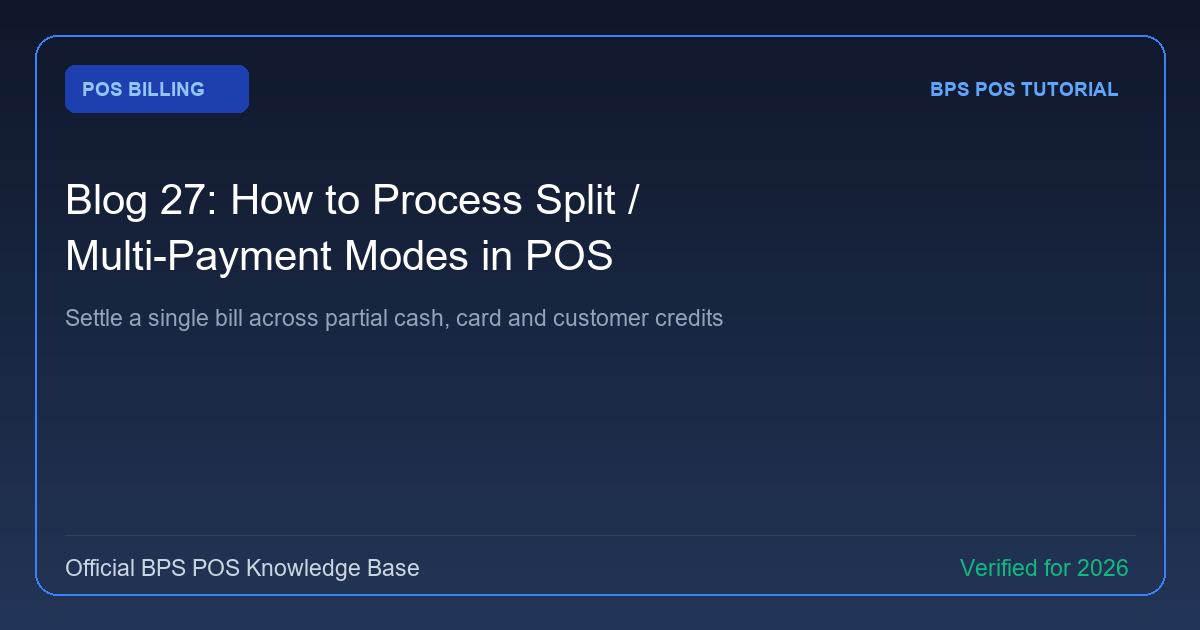
Customers purchasing high-value goods frequently ask to pay part in cash and part with card. BPS POS Split Payment feature divides invoice amounts across multiple payment gateways seamlessly.
Figure: BPS POS Split and Multi-Payment Breakdown in BPS POS.
Splitting Invoice Payments across Multiple Methods
Follow these step-by-step instructions inside your BPS POS dashboard to configure and operate this workflow seamlessly:
- Click Multi-Pay / Split Payment: In the checkout dialog, choose Split Payment.
- Allocate Payment Line 1: Select Cash and enter the cash portion received (e.g. $100).
- Click (+ Add Payment Row): Select Credit Card and enter the remaining balance (e.g. $150).
- Confirm Zero Balance Due: Ensure "Remaining Balance" shows $0.00.
- Submit Bill: The thermal receipt prints a clear breakdown showing each payment mode and respective amount.
BPS POS Pro Tip & Best Practice
Split payments ensure both your physical cash drawer and bank accounts reconcile down to the exact cent at day-end.
Why This Workflow Matters for Your Business
Lightning-Fast Operations
Eliminate cashier bottlenecks, reduce customer waiting times, and handle peak rush hours effortlessly.
100% Financial Accuracy
Automate tax math, stock deductions, and ledger balances to eliminate human calculation mistakes.
Frequently Asked Questions (FAQs)
Can a customer split between Cash and Udhar (Due Credit)?
Yes! The cash portion is recorded as received revenue, and the unpaid remainder is logged into the customer's credit ledger.
Ready to Upgrade Your Retail Billing?
Experience lightning-fast billing, automated stock tracking, and multi-branch control with BPS POS.
Explore Pricing Plans →