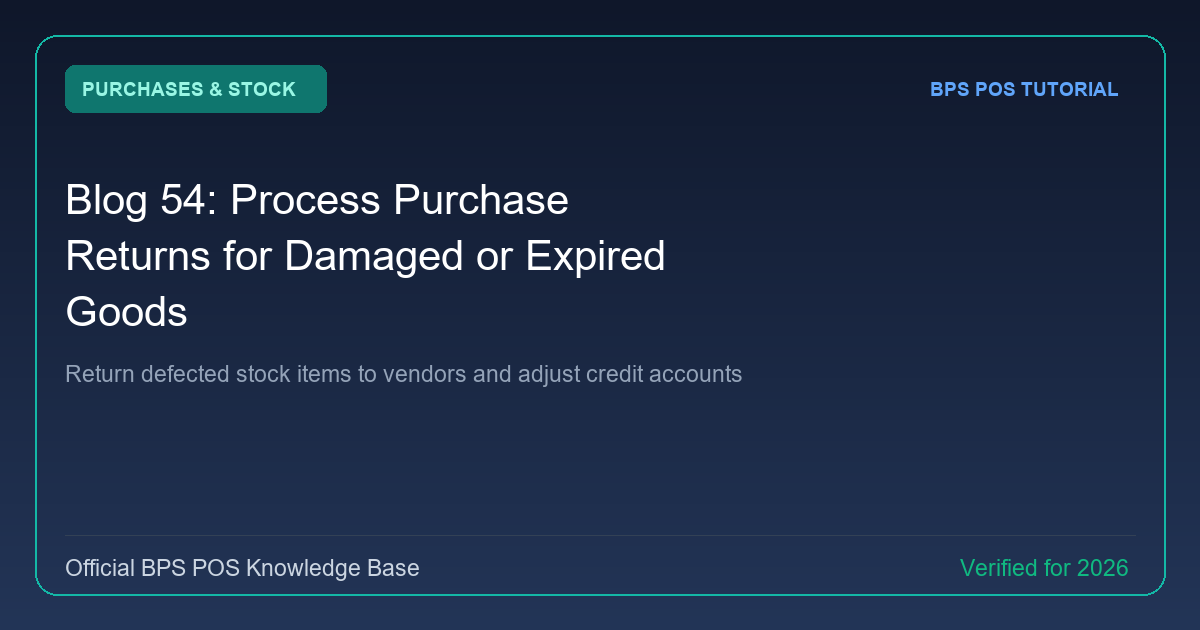
When received shipments contain damaged, wrong, or near-expiry items, returning them promptly is crucial. BPS POS Purchase Returns handles vendor returns, issues Debit Notes, and deducts cost balances from supplier payables.
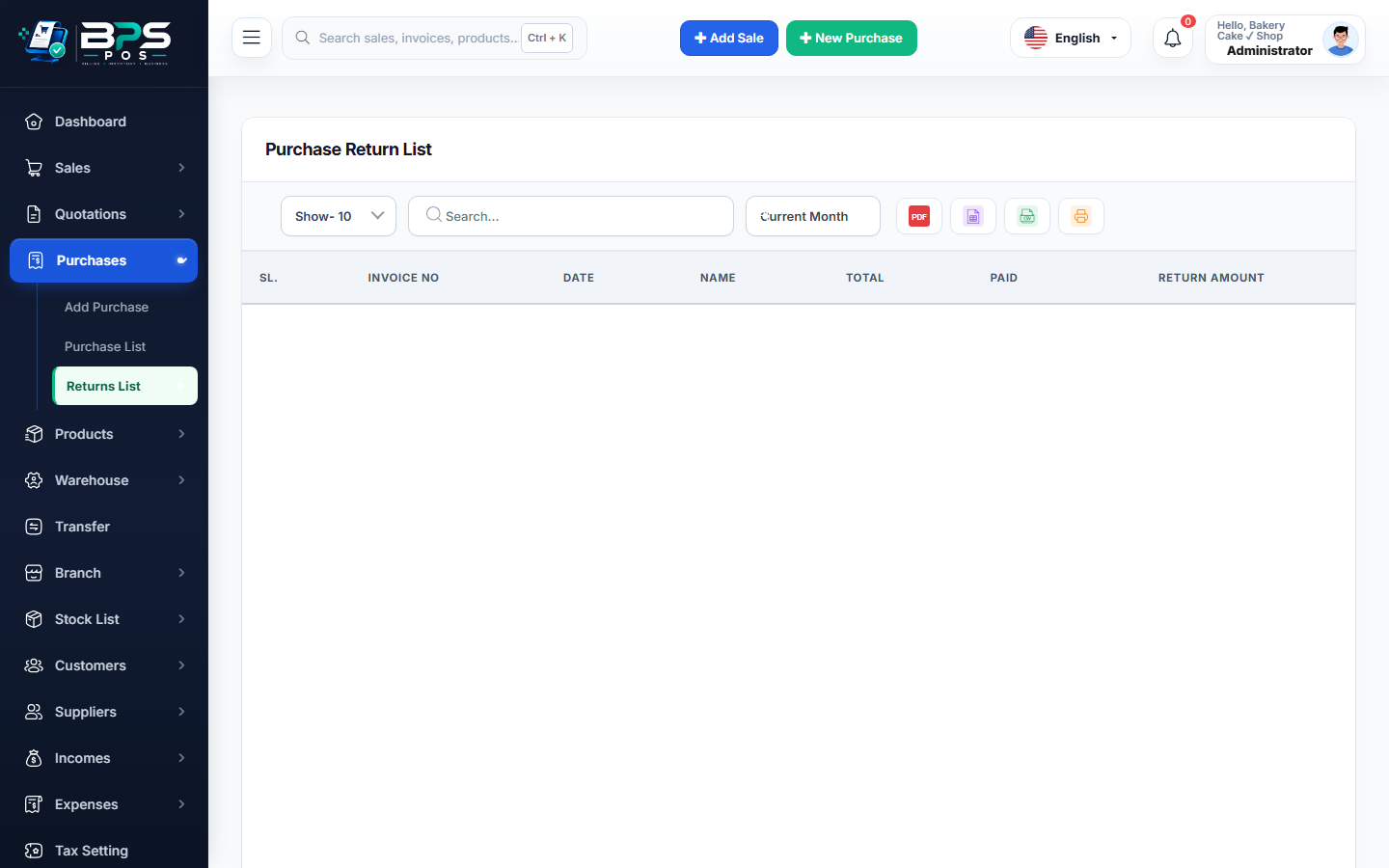
Figure: BPS POS Process Purchase Return to Supplier in BPS POS.
Processing a Supplier Return
Follow these step-by-step instructions inside your BPS POS dashboard to configure and operate this workflow seamlessly:
- Navigate to Purchases → Purchase Returns → Create.
- Select Original Purchase Invoice: Pick the original supplier invoice number to retrieve billed items and costs.
- Specify Returned Quantities: Enter the count of damaged or rejected items.
- Select Settlement Method: Choose Supplier Credit (Debit Note) to reduce future payables, or Cash Refund.
- Print Debit Note: Hand the formal return voucher to the delivery driver and deduct inventory immediately.
BPS POS Pro Tip & Best Practice
Debit Notes automatically link to the Supplier Ledger, reducing your total liability without manual bookkeeping entries.
Why This Workflow Matters for Your Business
Lightning-Fast Operations
Eliminate cashier bottlenecks, reduce customer waiting times, and handle peak rush hours effortlessly.
100% Financial Accuracy
Automate tax math, stock deductions, and ledger balances to eliminate human calculation mistakes.
Frequently Asked Questions (FAQs)
What if the supplier exchanges defective items instead of refunding cash?
Select "Replace Item" to update item serials without affecting accounting ledger totals.
Ready to Upgrade Your Retail Billing?
Experience lightning-fast billing, automated stock tracking, and multi-branch control with BPS POS.
Explore Pricing Plans →