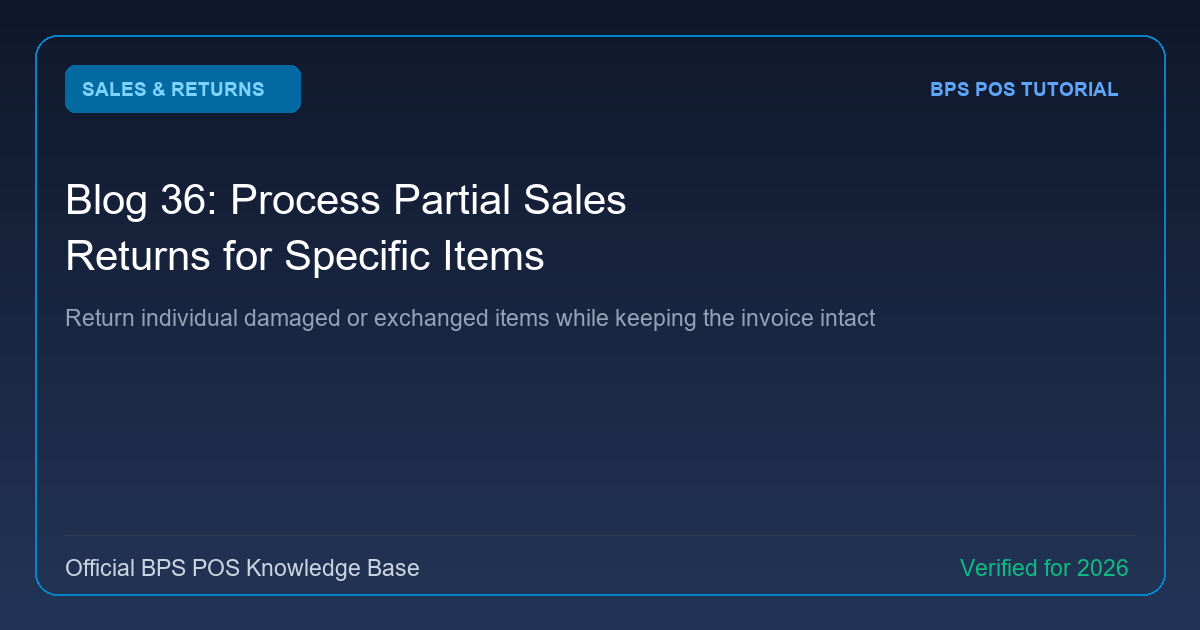
When a customer buys 5 products but only wants to return 1 damaged or wrong-size item, you should not void the entire transaction. BPS POS Partial Returns lets you select specific line items and exact quantities for refund.
Figure: BPS POS Partial Sales Return Item Selection in BPS POS.
Partial Return Workflow
Follow these step-by-step instructions inside your BPS POS dashboard to configure and operate this workflow seamlessly:
- Open Sales Return Screen: Go to Sales → Sales Returns → Create.
- Fetch Original Invoice: Load the multi-item receipt into the return wizard.
- Adjust Return Quantities: In the item grid, enter the exact quantity being returned (e.g. 1 out of 3) and leave non-returned items as 0.
- Calculate Pro-Rated Refund: BPS POS automatically recalculates item tax and pro-rated bill discounts to ensure accurate refund math.
- Issue Refund & Print Slip: Complete the return and hand the revised partial return receipt to the customer.
BPS POS Pro Tip & Best Practice
Require cashiers to enter a reason code (e.g., "Defective", "Wrong Size", "Customer Changed Mind") for return quality tracking.
Why This Workflow Matters for Your Business
Lightning-Fast Operations
Eliminate cashier bottlenecks, reduce customer waiting times, and handle peak rush hours effortlessly.
100% Financial Accuracy
Automate tax math, stock deductions, and ledger balances to eliminate human calculation mistakes.
Frequently Asked Questions (FAQs)
Can a customer return an item multiple times against the same invoice?
Yes, up to the maximum originally purchased quantity across all partial return attempts.
Ready to Upgrade Your Retail Billing?
Experience lightning-fast billing, automated stock tracking, and multi-branch control with BPS POS.
Explore Pricing Plans →