Manual salary calculations in spreadsheets waste days at the end of every month. BPS POS Automated Payroll Engine computes net wages by factoring base pay, attendance deductions, overtime, and salary loan repayments.
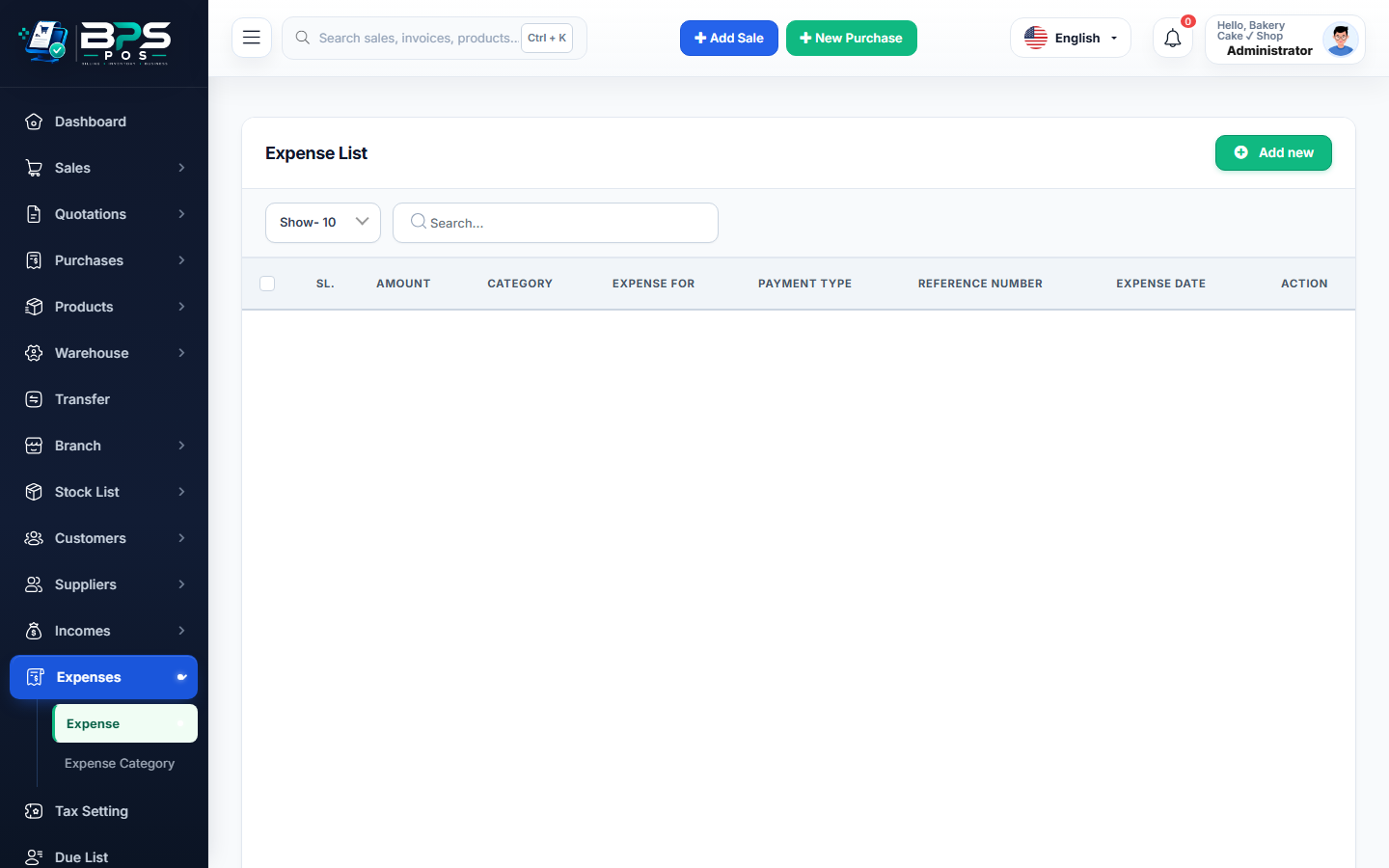
Figure: BPS POS Monthly Payroll Generation and Salary Processing Screen in BPS POS.
Running Monthly Staff Payroll
Follow these step-by-step instructions inside your BPS POS dashboard to configure and operate this workflow seamlessly:
- Go to HRM → Payroll → Generate Payroll.
- Select Month & Year: Pick the target payroll cycle (e.g., August 2026).
- Click "Auto-Calculate": BPS POS pulls total present days, approved paid leaves, unpaid absents, and overtime hours.
- Review Net Wage Formula:
Base Salary + Allowances + Overtime - Absent Deductions - Advance Recoveries = Net Payable. - Approve & Disburse: Select disbursement account (Bank or Cash Safe) and click Finalize Payroll.
- Print / Email Salary Slips: Generate professional payslips for all employees instantly.
BPS POS Pro Tip & Best Practice
Finalizing payroll automatically posts a consolidated "Staff Salaries Expense" debit into your Profit & Loss statement.
Why This Workflow Matters for Your Business
Lightning-Fast Operations
Eliminate cashier bottlenecks, reduce customer waiting times, and handle peak rush hours effortlessly.
100% Financial Accuracy
Automate tax math, stock deductions, and ledger balances to eliminate human calculation mistakes.
Frequently Asked Questions (FAQs)
Can I hold an employee's salary pending clearance?
Yes, toggle their status to "On Hold" during payroll review without affecting other staff.
Ready to Upgrade Your Retail Billing?
Experience lightning-fast billing, automated stock tracking, and multi-branch control with BPS POS.
Explore Pricing Plans →