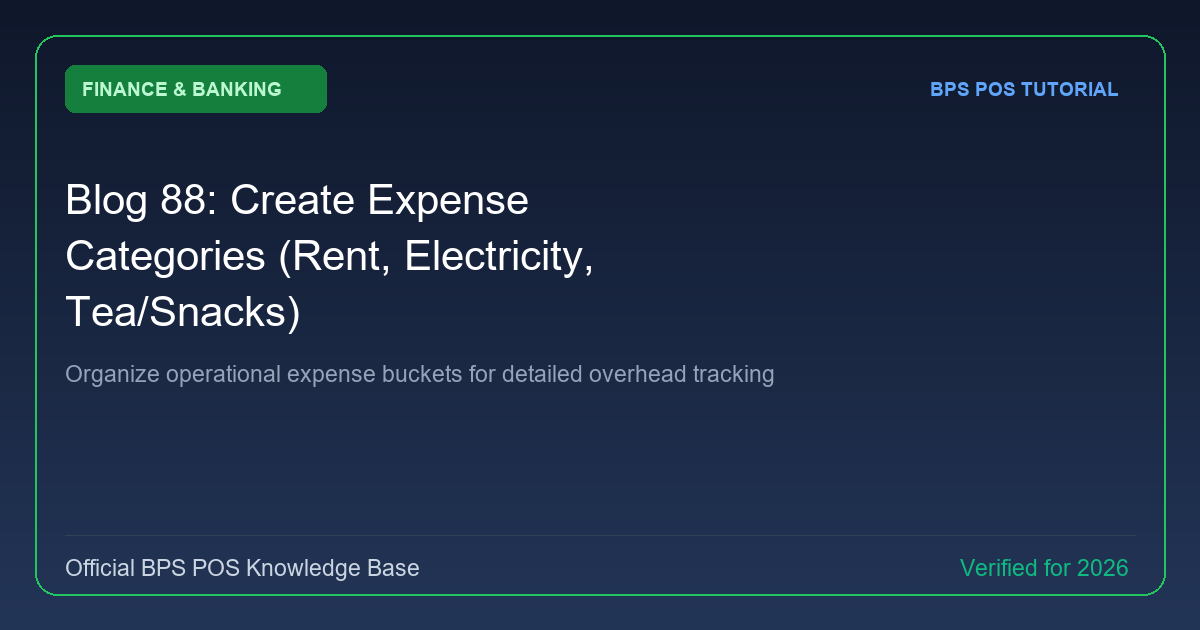
Without structured expense categorization, businesses bleed money into unaccounted overheads. BPS POS Expense Categories allows you to create customized expense buckets like Utilities, Shop Rent, Staff Refreshments, and Transport.
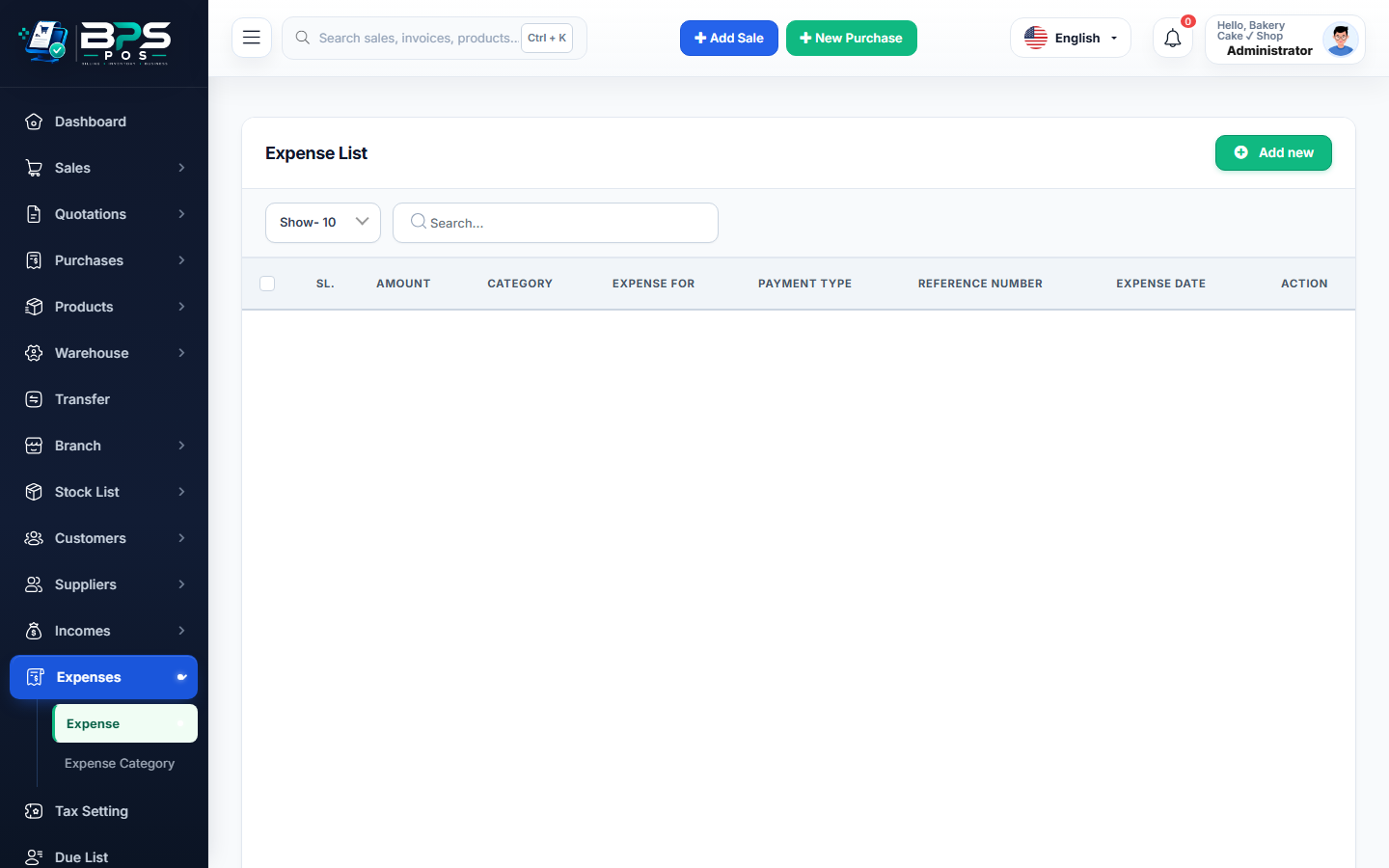
Figure: BPS POS Expense Categories Setup Screen in BPS POS.
Setting Up Expense Buckets
Follow these step-by-step instructions inside your BPS POS dashboard to configure and operate this workflow seamlessly:
- Navigate to Finance → Expense Categories → Add Category.
- Name the Bucket: E.g., "Electricity & Utilities", "Store Rent", "Staff Tea & Meals", "Marketing & Ads", "Equipment Maintenance".
- Add Description / GL Code: Optional general ledger code for corporate accounting sync.
- Set Monthly Budget (Optional): Define maximum allowable spending ceiling to receive budget overrun warnings.
- Save: Categories appear in all daily expense dropdown menus.
BPS POS Pro Tip & Best Practice
Separate "Fixed Expenses" (Rent, Salaries) from "Variable Expenses" (Packaging, Tea, Fuel) for granular financial analysis.
Why This Workflow Matters for Your Business
Lightning-Fast Operations
Eliminate cashier bottlenecks, reduce customer waiting times, and handle peak rush hours effortlessly.
100% Financial Accuracy
Automate tax math, stock deductions, and ledger balances to eliminate human calculation mistakes.
Frequently Asked Questions (FAQs)
Can sub-categories be created under parent expense categories?
Yes, BPS POS supports multi-level parent and child expense nesting.
Ready to Upgrade Your Retail Billing?
Experience lightning-fast billing, automated stock tracking, and multi-branch control with BPS POS.
Explore Pricing Plans →