
Offering credit (Udhar) to trustworthy clients builds long-term loyalty. BPS POS records due sales against specific customer profiles, automatically tracks outstanding balances, and prevents credit limit overruns.
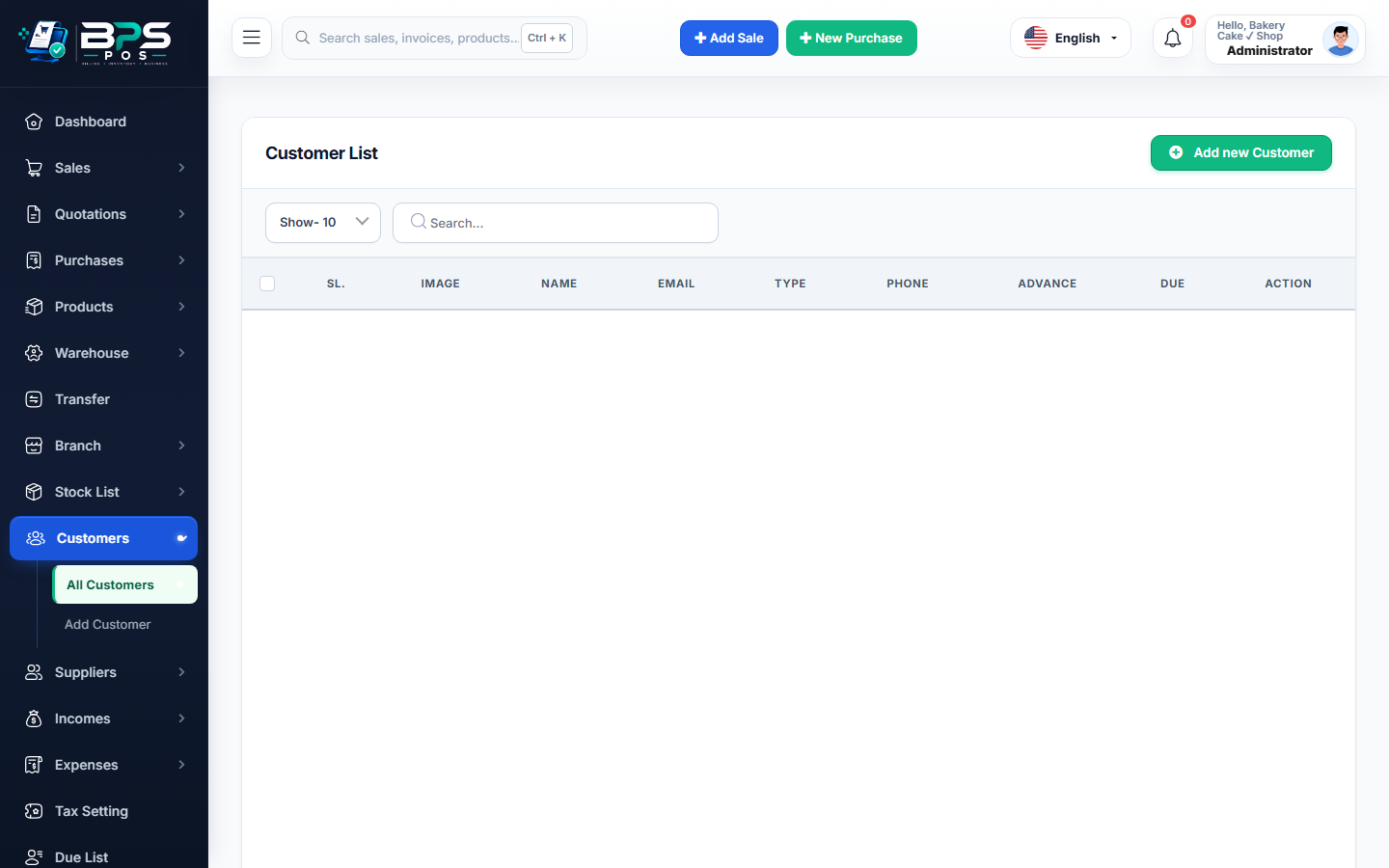
Figure: BPS POS Customer Credit Sale and Udhar Ledger in BPS POS.
How to Create a Due Sale on POS
Follow these step-by-step instructions inside your BPS POS dashboard to configure and operate this workflow seamlessly:
- Select Registered Customer: Search and choose the specific registered customer profile (Credit sales cannot be issued to anonymous walking customers).
- Add Products to Cart: Scan or add the required inventory items.
- Proceed to Checkout: Click Pay Now and set Paid Amount to $0 (or enter partial advance deposit).
- Select Payment Status as Due: The system marks the remaining balance as Outstanding Receivable.
- Set Payment Due Date: Specify the agreed due date for repayment reminders and print the credit invoice.
BPS POS Pro Tip & Best Practice
Enable "Credit Warning Limit" in customer profile so the system alerts cashiers when a buyer has exceeded their approved debt threshold.
Why This Workflow Matters for Your Business
Lightning-Fast Operations
Eliminate cashier bottlenecks, reduce customer waiting times, and handle peak rush hours effortlessly.
100% Financial Accuracy
Automate tax math, stock deductions, and ledger balances to eliminate human calculation mistakes.
Frequently Asked Questions (FAQs)
How do I collect payment later when customer returns to pay?
Navigate to <em>Sales → Dues</em> or <em>Parties → Customers → Collect Due</em> to record payments and print official vouchers.
Ready to Upgrade Your Retail Billing?
Experience lightning-fast billing, automated stock tracking, and multi-branch control with BPS POS.
Explore Pricing Plans →



