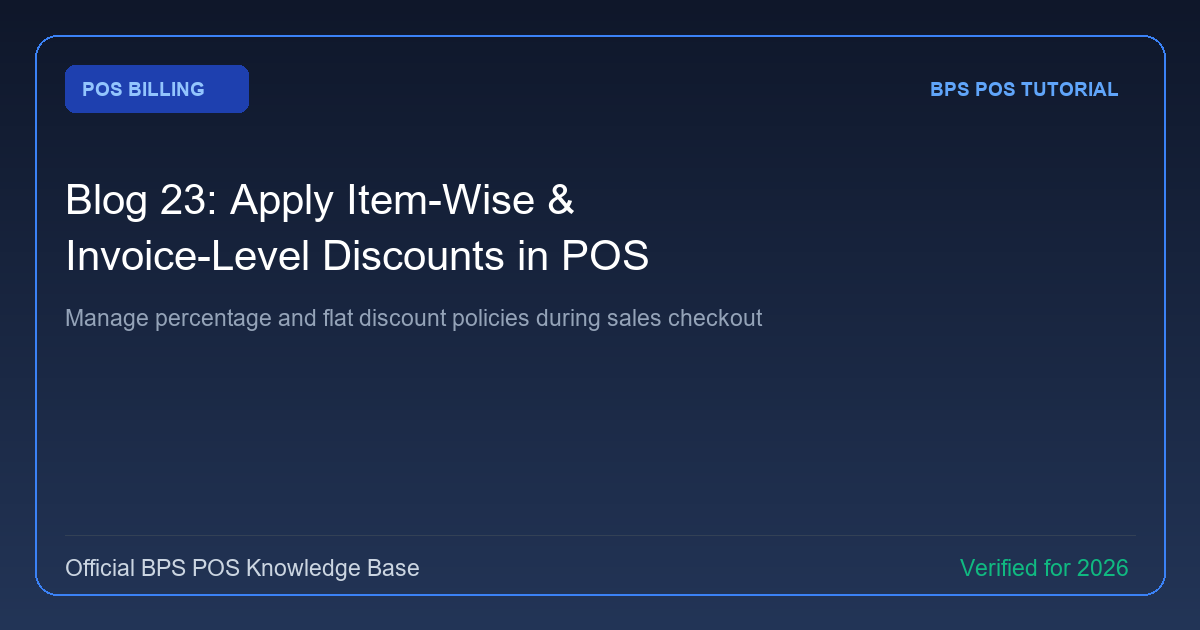
Discounts drive retail sales and customer loyalty. BPS POS offers granular discount controls—allowing cashiers to apply fixed amount or percentage deductions either per individual line item or across the entire invoice total.
Figure: BPS POS Applying Item and Invoice Discounts in BPS POS.
Applying Line Item and Bill Discounts
Follow these step-by-step instructions inside your BPS POS dashboard to configure and operate this workflow seamlessly:
- Item-Level Discount: Click on the discount icon next to any cart item. Select (%) percentage or ($) fixed amount, enter discount value, and apply.
- Invoice-Level Global Discount: In the cart summary box below, click on Discount, choose Percentage or Fixed, and enter the total bill deduction.
- Coupon / Voucher Redemption: If running a marketing campaign, enter the promo code into the Coupon field to apply automated campaign discounts.
- Verify Final Total: Observe real-time subtotal, tax recalculation, and final payable amount adjustments.
BPS POS Pro Tip & Best Practice
Use Role Permissions to restrict maximum cashier discount limit (e.g. max 10%) so staff cannot offer unauthorized markdown cuts.
Why This Workflow Matters for Your Business
Lightning-Fast Operations
Eliminate cashier bottlenecks, reduce customer waiting times, and handle peak rush hours effortlessly.
100% Financial Accuracy
Automate tax math, stock deductions, and ledger balances to eliminate human calculation mistakes.
Frequently Asked Questions (FAQs)
Are discounts recorded on the printed thermal receipt?
Yes! Receipts display the original unit price, total discount savings, and discounted net payable amount clearly.
Can I track cashier-wise discount reports?
Yes, the Daily Sales Report breaks down discounts given by each cashier to ensure full financial accountability.
Ready to Upgrade Your Retail Billing?
Experience lightning-fast billing, automated stock tracking, and multi-branch control with BPS POS.
Explore Pricing Plans →