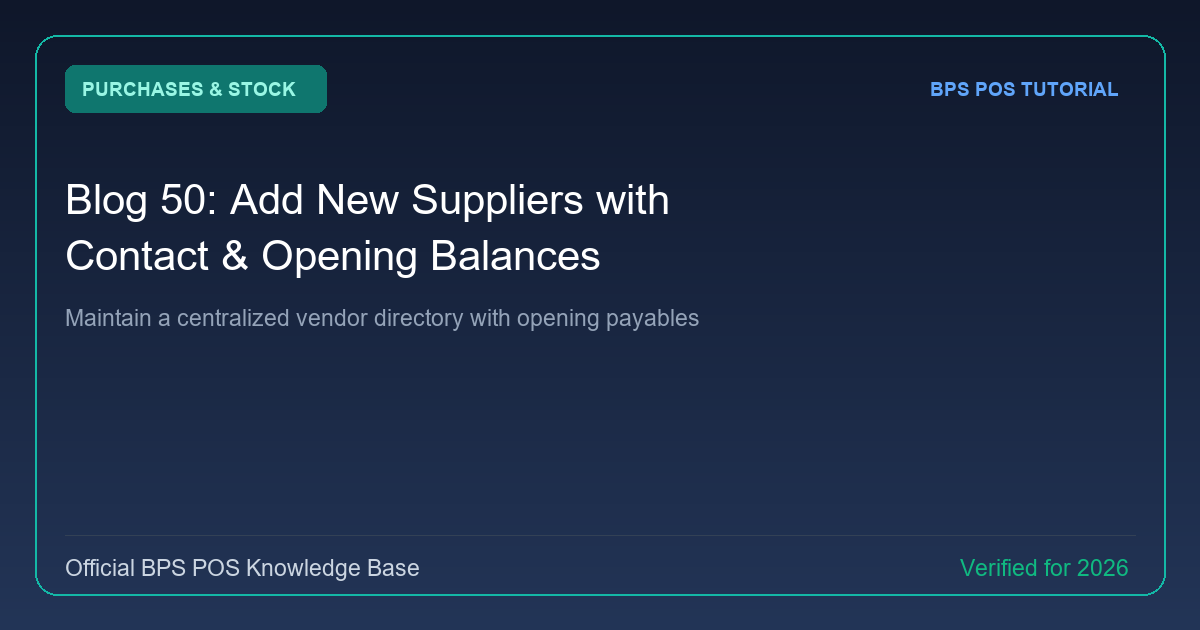
Managing vendor relations requires keeping complete contact and payment records. BPS POS Supplier Directory lets you store supplier company names, phone numbers, tax registration numbers, and previous opening balance debts.
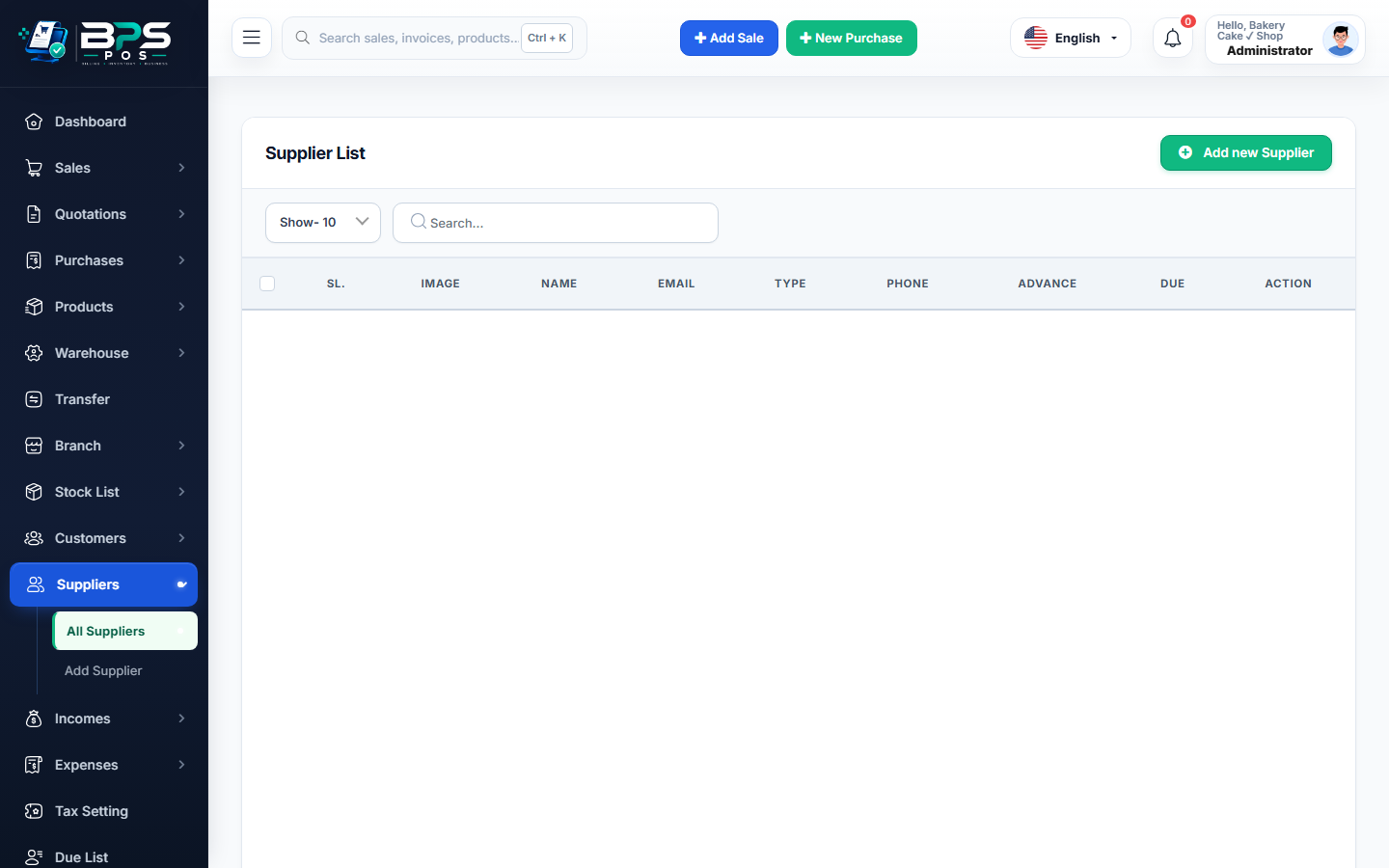
Figure: BPS POS Add Supplier Profile and Opening Balance Form in BPS POS.
Adding a New Supplier Profile
Follow these step-by-step instructions inside your BPS POS dashboard to configure and operate this workflow seamlessly:
- Go to Parties → Suppliers and click Add Supplier.
- Enter Vendor Details: Provide Company Name, Contact Person, Mobile, Email, and Physical Address.
- Tax & Banking: Add National Tax Number (NTN/GST/VAT) and primary bank account details for remittances.
- Input Opening Balance: If transitioning from an older software or manual ledger, record previous unpaid opening dues.
- Save Supplier: The vendor appears in all purchase dropdowns with an active ledger balance.
BPS POS Pro Tip & Best Practice
Assign specific credit payment terms (e.g., Net 30 days) to receive automated payment reminders before vendor bills fall overdue.
Why This Workflow Matters for Your Business
Lightning-Fast Operations
Eliminate cashier bottlenecks, reduce customer waiting times, and handle peak rush hours effortlessly.
100% Financial Accuracy
Automate tax math, stock deductions, and ledger balances to eliminate human calculation mistakes.
Frequently Asked Questions (FAQs)
Can a single entity be registered as both Customer and Supplier?
Yes, you can register dual-role parties and cross-reconcile receivable and payable accounts.
Ready to Upgrade Your Retail Billing?
Experience lightning-fast billing, automated stock tracking, and multi-branch control with BPS POS.
Explore Pricing Plans →